| Primary audience | Individuals and small teams that want a personal Windows cloud desktop with a direct creation workflow.Advantage: individual simplicity | Organisations. Business targets up to 300 users; Enterprise supports centrally managed deployments without the 300-user cap. |
|---|
| Identity model | A Jump‑IT account, Jump‑Desk credentials and a personalised RDP connection file. | An organisational Microsoft tenant, a work user and an assigned Cloud PC licence. A custom domain is not required for Business. |
|---|
| Intune requirement | No Intune or MDM dependency. | Business: Intune is optional. Enterprise: Intune is required for Cloud PC management.Advantage: Enterprise governance |
|---|
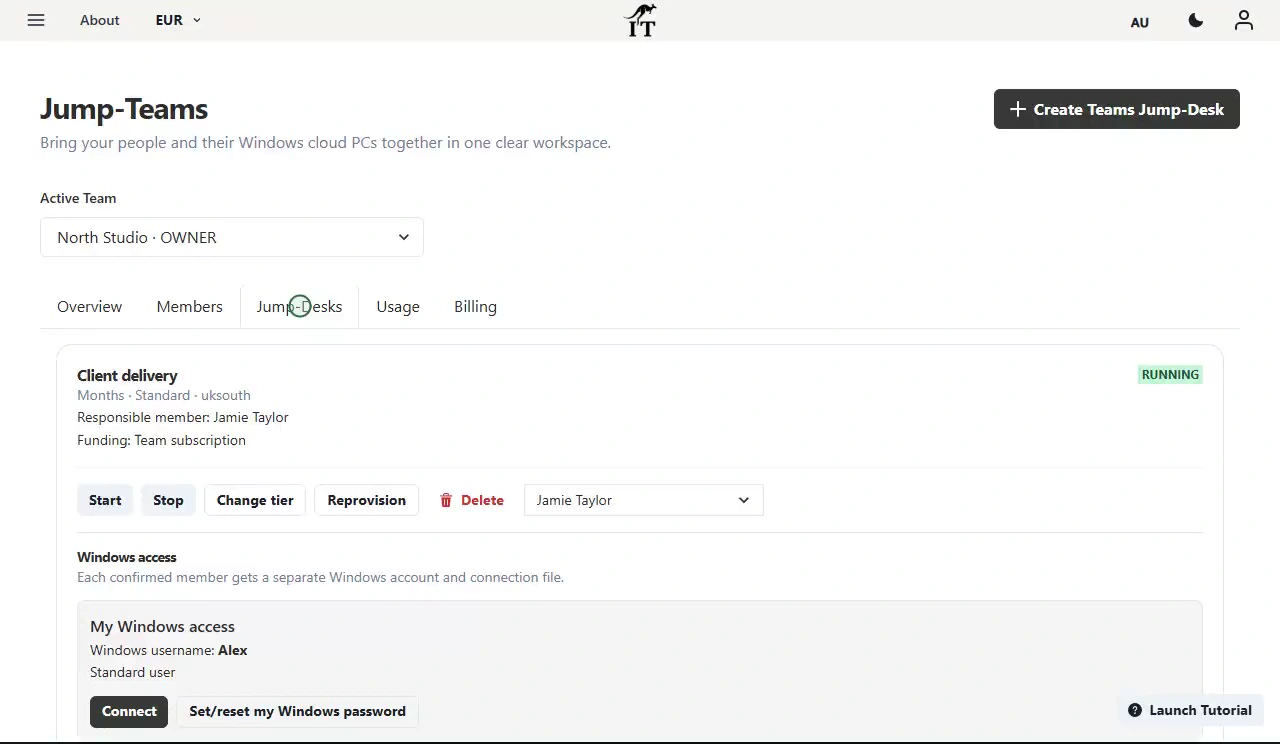
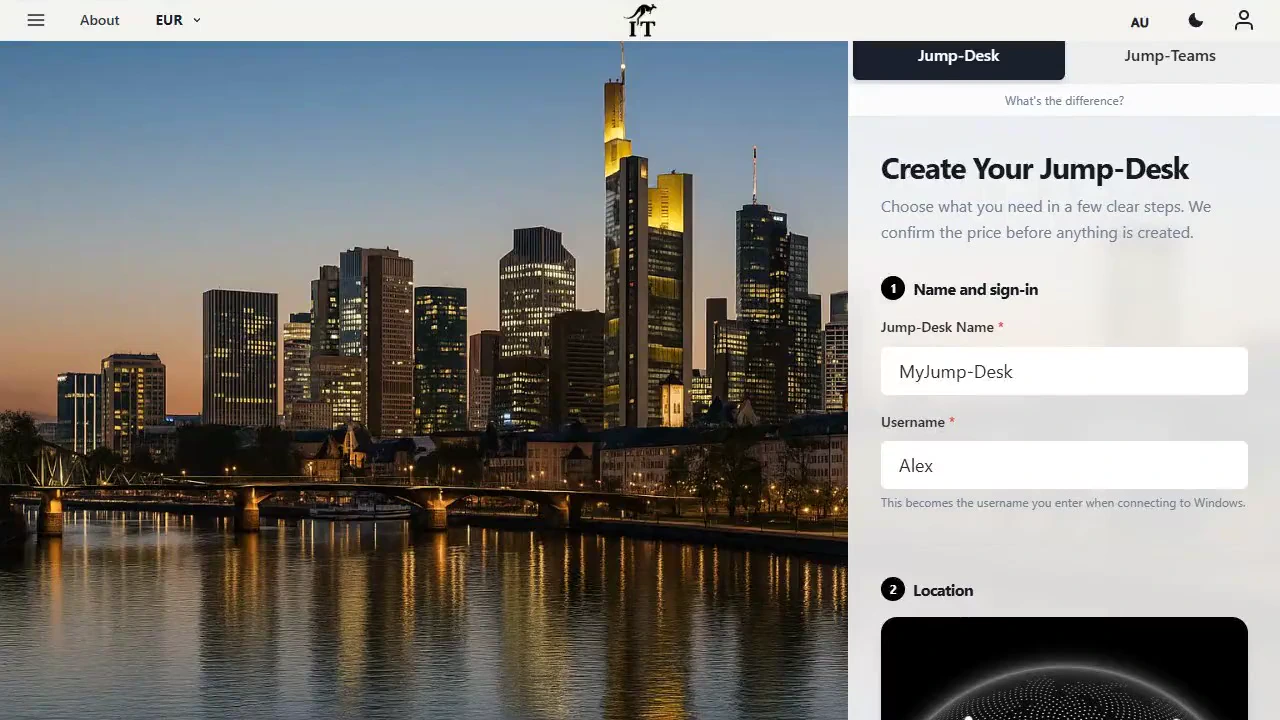
| Provisioning effort | Choose region, billing plan and tier; create; start; connect. | Business: buy and assign a licence to a user. Enterprise: configure prerequisites, provisioning policy, image, join type, network and user/group assignment. |
|---|
| Windows licence | Windows 11 Pro licence included in all current tiers. | The Cloud PC entitlement is included in the purchased Windows 365 licence. Enterprise also has prerequisite Windows, Intune and Entra entitlements, often supplied through a qualifying Microsoft 365 suite. |
|---|
| Location control | Explicit choice among 20 configured Azure regions before creation.Advantage: direct region choice | Business: location is based on the organisation’s billing address and capacity. Enterprise: admins select geography, region group or specific region through provisioning policy. |
|---|
| Billing model | Hours, Months or Years. Hours combines running usage with a separate service fee for retained resources. | Predictable per-user, per-month licence pricing. Purchase commitment, auto-renewal, tax and cancellation terms depend on market and channel. |
|---|
| Current configurations | Standard 2 vCPU/4 GB/128 GB HDD; Pro 2 vCPU/8 GB/128 GB SSD; Pro+ 4 vCPU/16 GB/128 GB Premium SSD. | Advantage: wider size range |
|---|
| Administrator access | Administrator access is included in the current tier configuration. | Business admins can change the user between Standard User and Local Administrator. Enterprise administrators control local-admin rights through user settings. |
|---|
| Client access | Compatible RDP clients on Windows, macOS, iOS/iPadOS, Android and Linux. Outbound TCP 3389 must be allowed. No production browser client is currently advertised. | Windows App supports Windows, macOS, iOS/iPadOS, Android/Chrome OS and desktop web browsers; Meta Quest support is also documented.Advantage: browser access |
|---|
| Central app and policy deployment | The user installs compatible licensed applications with administrator access. Jump‑Desk is not presented as an enterprise MDM control plane. | Business can optionally enrol in Intune. Enterprise is built around Intune for app deployment, configuration profiles, compliance and device lifecycle.Advantage: Windows 365 |
|---|
| Restore and recovery | Keep independent backups of important data. Deleting the Jump‑Desk permanently removes the VM, disks, public IP and backups. | Documented point-in-time restore features are available. Enterprise adds configurable restore points and the ability to share a restore point’s VHD to Azure Storage.Advantage: Windows 365 |
|---|
| Network and hosting | Designed as a personal desktop, not a public server. Several inbound ports—including 80, 8080 and 8443—are blocked. | Designed as an organisation-managed Cloud PC rather than public hosting. Enterprise networking can use Microsoft-hosted networking or an Azure network connection. |
|---|
| Offboarding | Export files first. Deletion is permanent, and each Jump‑Desk is managed and billed independently. | Removing a Business licence starts a seven-day grace period before deletion; Microsoft’s subscription-cancellation guidance says users lose Cloud PC access and the machine data is deleted. Back up before cancelling. |
|---|
| Best overall fit | One person needs a Windows PC without wanting to administer an organisation. | An organisation wants the desktop, identity, policy, security and lifecycle system together. |
|---|