| Execution model | Windows runs on dedicated cloud resources and is displayed through a compatible remote-desktop client.Advantage: local resources stay available | Windows runs in a virtual machine on the Mac and shares the Mac’s hardware resources. |
|---|
| Required host device | A supported client device and reliable network connection; the client does not need to host the Windows VM. | A compatible Mac. Parallels 26 lists 4 GB host RAM as the minimum and recommends 16 GB or more for demanding work. |
|---|
| Apple silicon Windows | The Mac only receives the remote session; its M-series architecture does not determine the Windows guest architecture.Advantage: avoids local Arm constraint | The supported Windows guest on Apple silicon is Windows 11 Pro or Enterprise for Arm. Parallels 26 also has a preview for some x86 operating systems with substantial limits. |
|---|
| x86 and x64 app compatibility | Current Jump‑Desk uses a remote Windows 11 Pro environment on standard cloud VM hardware, so Apple silicon does not force Windows applications through Arm emulation. | Windows 11 Arm can emulate many x86 and x64 user-mode apps. Microsoft states that emulation does not support drivers; kernel components must be Arm64. |
|---|
| Windows licence | Windows 11 Pro licence is included in Standard, Pro and Pro+.Advantage: one service | Parallels is licensed separately from Windows. Microsoft requires a unique Windows 11 Pro licence for each VM unless the user already has an eligible licence. |
|---|
| Local storage impact | Current tiers include a persistent 128 GB cloud drive; no large local PVM bundle is required on the Mac.Advantage: preserves Mac SSD space | The PVM bundle is stored locally and grows with Windows data. Snapshots add space. Microsoft’s Windows 11 minimum is a 64 GB or larger storage device. |
|---|
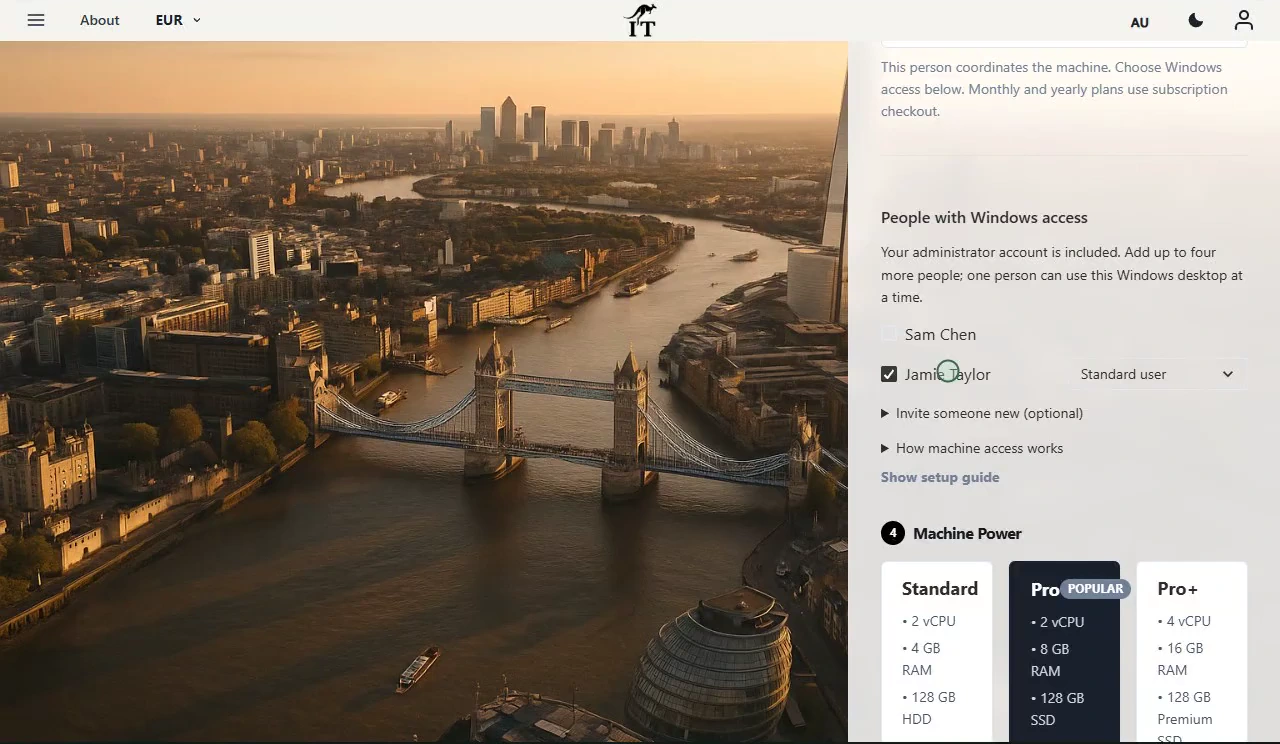
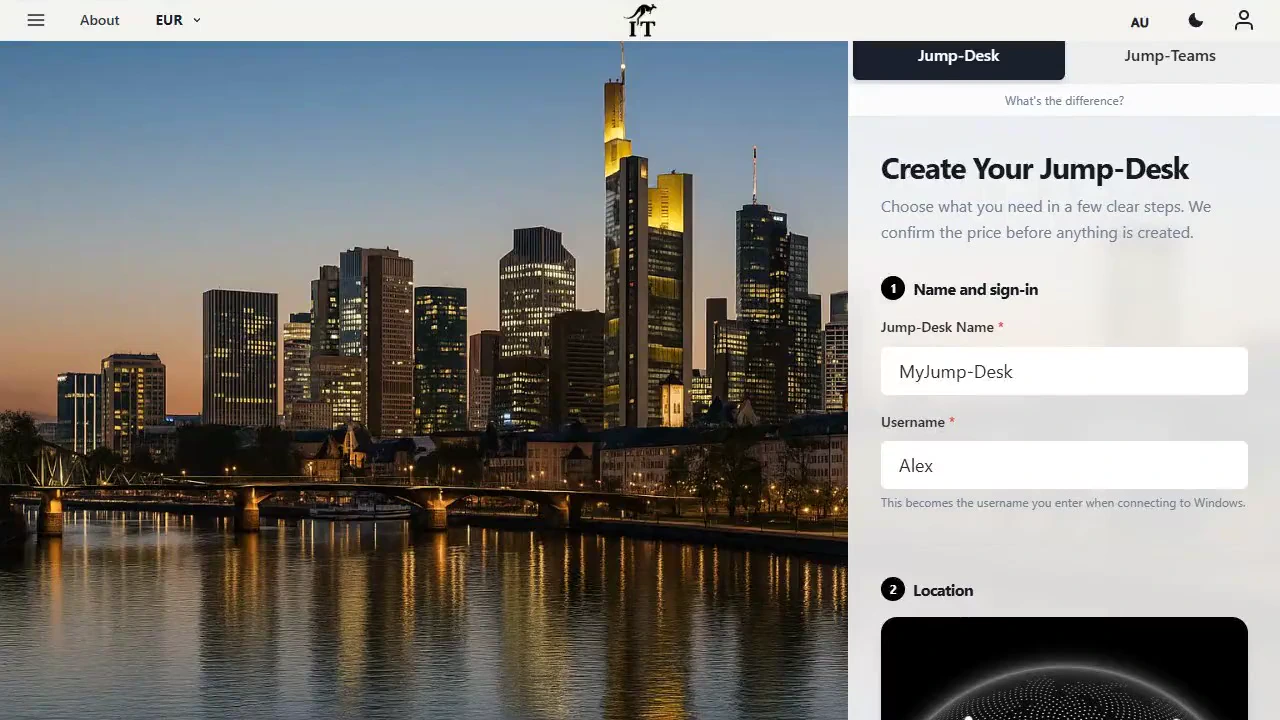
| Setup path | Sign in; choose a region, Hours/Months/Years and Standard/Pro/Pro+; create; start; download the personalised RDP file; connect. | Install and activate Parallels, let it download and install Windows 11 automatically, accept Microsoft’s licence terms, activate Windows and install apps. |
|---|
| Offline access | Not available. The remote session requires network connectivity. | The local VM can continue without a live internet connection after activation, subject to licence checks, updates and app requirements.Advantage: offline work |
|---|
| Mobility | Reconnect to the same persistent desktop from supported Windows, macOS, iPadOS/iOS, Android and Linux clients.Advantage: cross-device access | The VM normally stays with one licensed Mac. Moving it means copying the PVM bundle to a compatible Mac or external drive; Intel VMs cannot simply start on Apple silicon. |
|---|
| Internet and latency | Experience depends on network quality and choosing a suitable region. Outbound TCP 3389 must be available. | Local interaction avoids remote-display latency and normally feels more immediate.Advantage: lowest latency |
|---|
| Mac resource use | Windows compute, memory and disk I/O happen remotely; the Mac mainly runs the client and decodes the session. | CPU, RAM, graphics and storage are allocated from the host Mac. macOS and Windows compete for the same physical resources. |
|---|
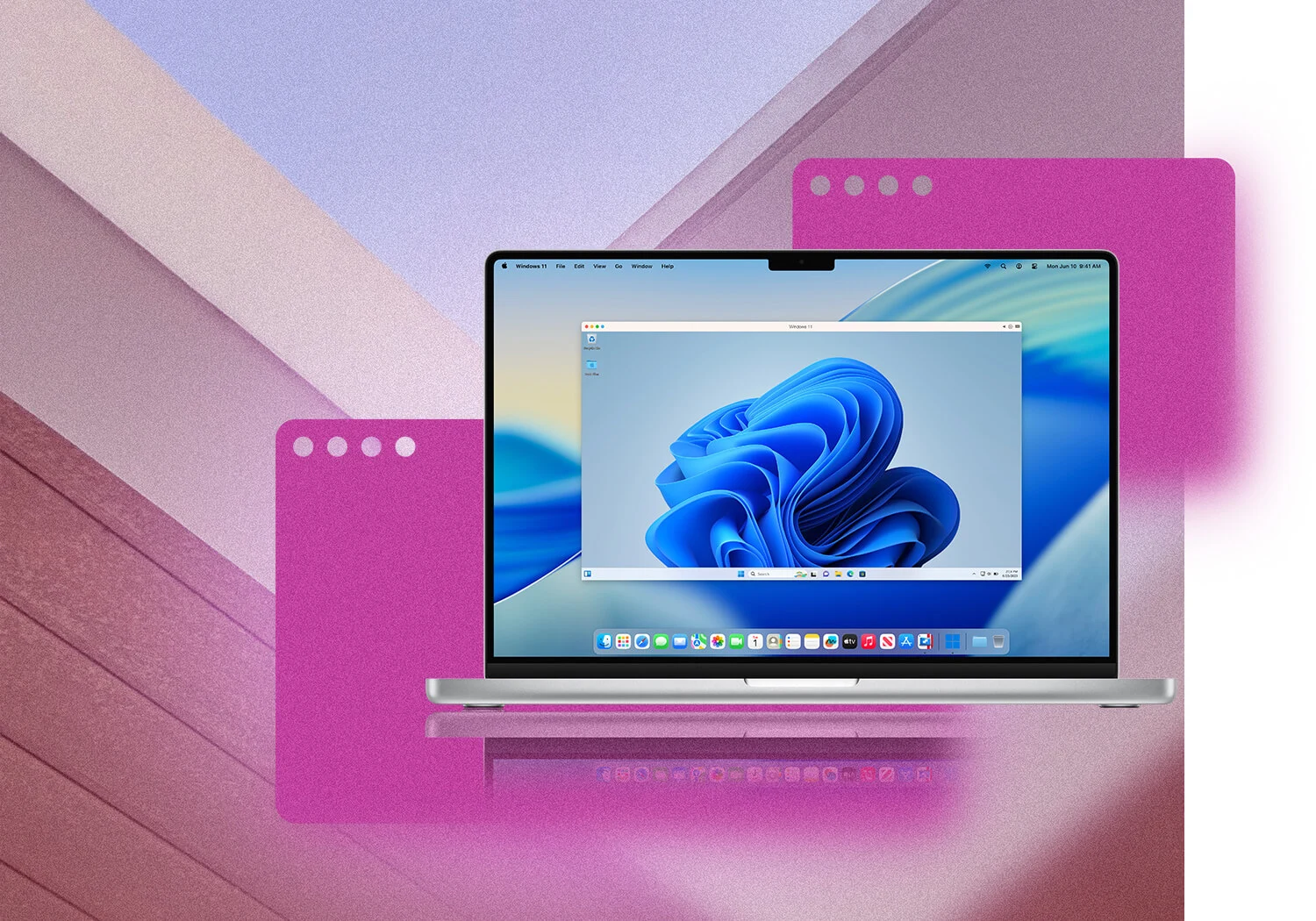
| Mac integration | Clipboard and device redirection depend on the selected RDP settings and client support. | Coherence mode, Mac/Windows drag-and-drop, Finder access and local camera, microphone, display, keyboard, mouse and supported USB integration are core features.Advantage: deep integration |
|---|
| Graphics and games | Current Standard, Pro and Pro+ specifications do not list a dedicated GPU. Not recommended for GPU-dependent work. | Offers local 3D acceleration. Parallels documents DirectX 11.1 and OpenGL 3.3 limits for Windows 11 on Apple silicon; some modern games still will not work.Advantage: supported local 3D |
|---|
| Current configurations | Standard: 2 vCPU/4 GB/128 GB HDD. Pro: 2 vCPU/8 GB/128 GB SSD. Pro+: 4 vCPU/16 GB/128 GB Premium SSD. | Standard permits up to 4 vCPU and 8 GB vRAM per VM; Pro advertises much higher limits, but usable allocation is bounded by the physical Mac. |
|---|
| Data transfer | Current tiers include 100 GB of data transfer. | No cloud-session transfer allowance is intrinsic to local execution; ordinary internet use still follows the user’s ISP and app services. |
|---|
| Updates and maintenance | Jump‑IT supplies the cloud machine and licence; the user still maintains Windows and installed applications. | The user maintains Parallels, the VM, Windows, local storage and backups. Subscriptions include ongoing Parallels updates; a perpetual Standard licence is tied to the purchased version. |
|---|
| Billing model | Hours, Months or Years. Hours includes usage while running plus a smaller service fee while retained. | Standard is offered by annual subscription or one-time purchase; Pro is subscription-only. Windows licensing is additional. |
|---|
| Best usage frequency | Occasional, temporary, seasonal or cross-device Windows use; also useful when the Mac should remain light.Advantage: part-time flexibility | Frequent daily Windows use on one capable Mac, especially where offline access or local integration is important. |
|---|
| Best overall fit | You want the Windows environment to be independent of the Mac. | You want Windows to become part of the Mac. |
|---|