BUSINESS GUIDE
Desktop as a Service for Small Business: A Practical Team Guide
Evaluate DaaS for a small team: Windows applications, Jump-Teams access, monthly desktop budgets, practical checks and when another setup fits better.
Read the guide →

HOW TO · WINDOWS TRANSITION
Choose a supported route for the device and a proven route for the application. Rehearse one complete business workflow before moving a team or retiring an old PC.
Reviewed 26 October 2026 · Jump-IT Team · Current Microsoft sources
Windows 10 standard support ended on 14 October 2025. Microsoft’s current consumer Extended Security Updates guidance runs through 12 October 2027 for eligible enrolled devices. Do not mistake the original October 2026 date for a universal current cutoff.
The consumer programme is not for commercial scenarios. Businesses should check the separate commercial ESU guidance, their edition and eligibility. Regional enrolment options differ. These updates buy time for a transition; they are not a new set of Windows features or a compatibility guarantee for every application.
A Jump-Desk is a separate Windows 11 Pro cloud computer. It can let you move a suitable Windows workload while retaining a supported Mac, iPad or other connection device. It does not patch an unsupported local Windows 10 installation, include an ESU entitlement for it, or automatically migrate your applications and files.
| Route | Useful when | Check before choosing |
|---|---|---|
| Upgrade the existing PC | The hardware and applications meet Windows 11 requirements. | Supported upgrade path, backup, drivers and licences. |
| Replace the local PC | Offline access, specialist peripherals or daily local performance matters. | Total ownership cost and a tested data migration. |
| Use an eligible ESU bridge | You need a defined period to complete an orderly transition. | Correct consumer or commercial programme, enrolment and end date. |
| Move a suitable workload to a cloud PC | The application works remotely and the access device and network are supported. | Real application test, full ongoing cost, client support and recovery plan. |
There is no universal winner. Use the cloud PC versus laptop comparison for the cost and practical trade-offs, and keep a supported endpoint whichever route you take.
Consider fictional Banksia Advisory that uses Windows quotation software, a costing workbook and a document application to prepare client proposals. The business owner wants to keep these tools together while colleagues use supported Macs or iPads. The first migration test should reproduce one complete quotation cycle, from an approved source file to a reviewed proposal and recoverable backup.
Create a separate Windows workspace for that rehearsal. Install the chosen applications from their official sources and use suitable licences. Copy approved sample material first; keep the original working machine and its verified backup until the replacement process has passed acceptance.
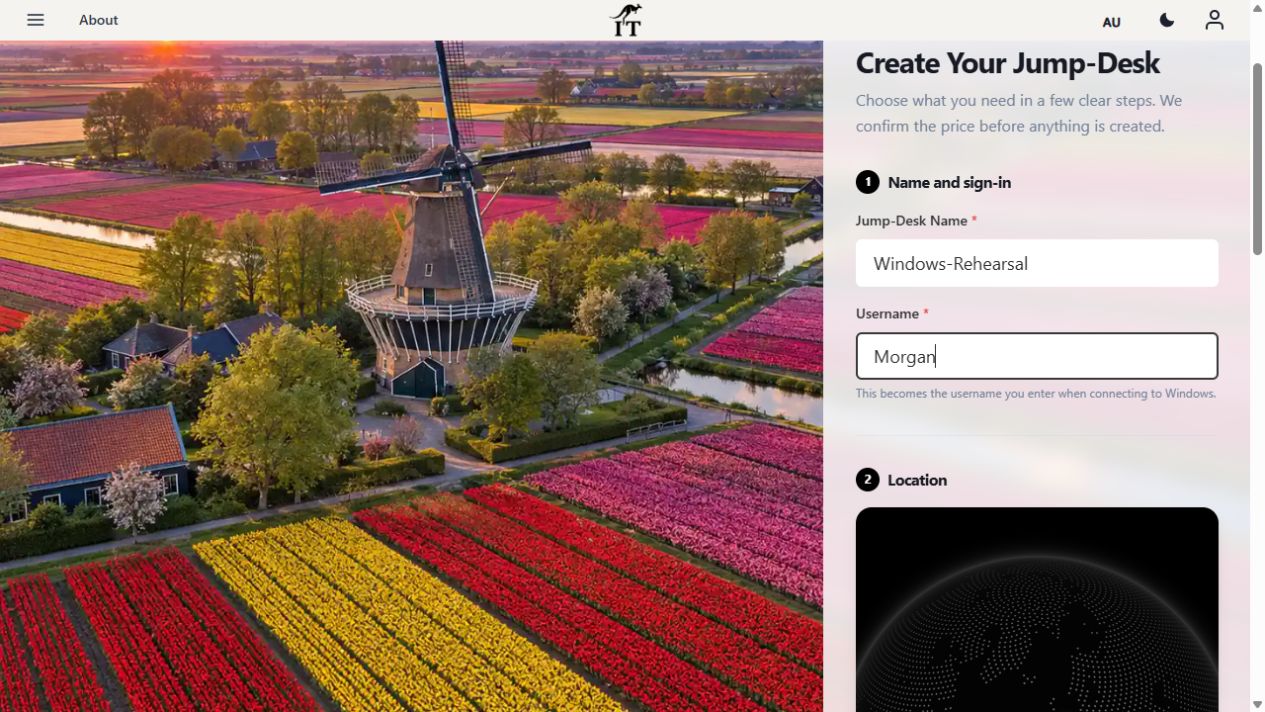
This is a fresh actual-product configuration screenshot with fictional data. It is a rehearsal plan, not a completed application migration, paid desktop or customer result.
The one-app acceptance worksheet provides a blank evidence record. If the workload is Power BI, use the application-specific Mac reporting guide to resolve Microsoft’s hosting-support boundary before checking data connectors, publishing and refresh. A Windows upgrade alone does not establish support for the cloud host.
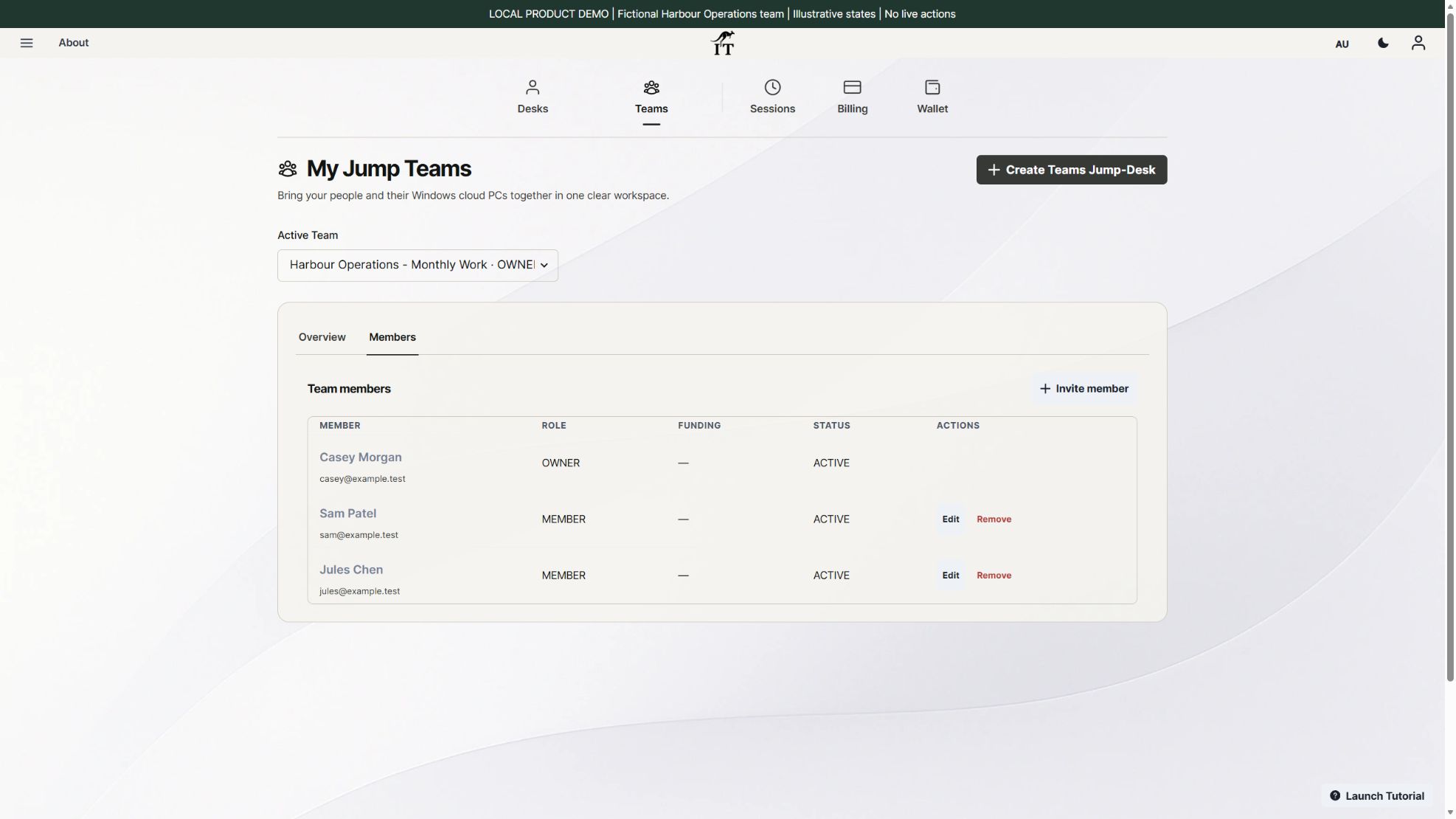
Once a real workflow has passed, use Jump-Teams to organise people and desktops. Give each person their own identity and grant only the Windows access their work requires. Team management, Windows privileges, application permissions and billing responsibility are separate.

Plan a desktop for each person who needs to use Windows concurrently; one Jump-Desk has one active Windows user at a time. A recurring role may suit Team Months, but a temporary migration tester may still suit Hours. The team budget guide and handover checklist cover ongoing ownership and eventual exit.
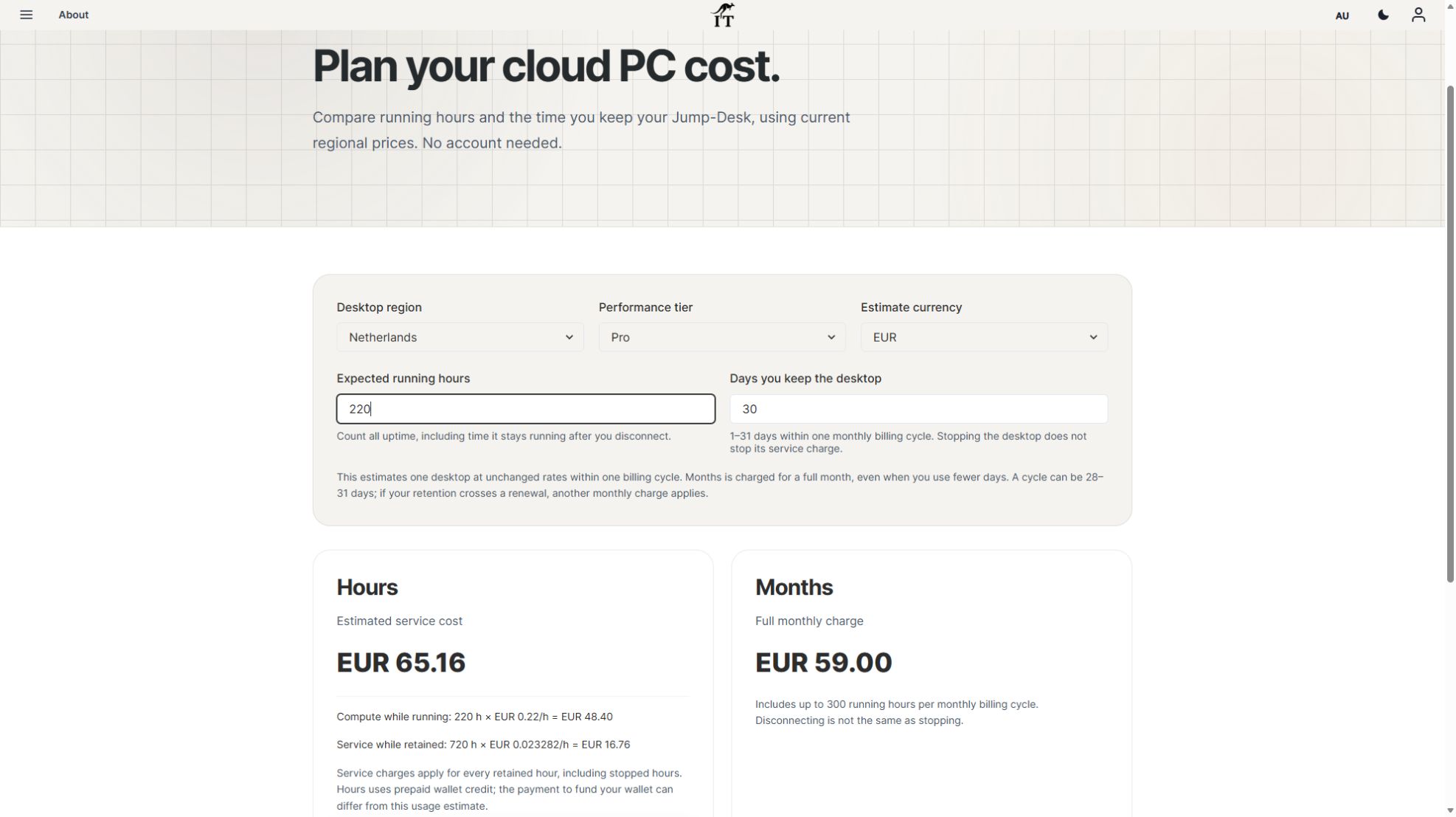
Example checked on 26 October 2026: Netherlands Pro in EUR, eight running hours, retained for seven days. Compute is EUR 1.76 and retained service is EUR 3.91, for an estimated EUR 5.67. Stopping reduces running compute but does not remove the retained-service charge. Disconnecting from the client is not the same as stopping Windows.
Months costs EUR 59 for a full monthly cycle, with up to 300 uptime hours for that desktop and region. A short rehearsal does not reduce the monthly charge. If you keep the desktop across a renewal, another full cycle can apply. Estimate the actual working pattern before choosing.
These examples exclude applicable tax, discounts, software licences and optional extras. They are service-cost examples, not a guaranteed wallet top-up amount. Compare current rates and capacity in the live calculator and review the configuration before payment.
A cloud desktop does not fix that laptop’s security or support status. Keep the access device on a supported operating system or an eligible, properly enrolled update programme and use a supported client. If that is not possible, choose a supported access device.
No. Confirm the vendor’s requirements and licensing, then test the full workflow. A successful installation alone does not prove that exports, printing, integrations and recovery will work.
No. You choose, install and license the applications. The desktop provides the Windows computer; it does not transfer your existing software entitlements or data automatically.
When the proven recurring working pattern and complete cost suit it. Use Hours for a short test when appropriate, compare the full ongoing totals, and keep a clear owner for each retained desktop.
Create or sign in to your Jump-IT account, review the available region, plan and machine size, then check the full price before creating a desktop.
Considering a new Surface as part of a Windows transition? Read the Surface Laptop Ultra review roundup and team workflow before choosing. Windows on Arm, drivers and application dependencies need checking on the local device. A separate cloud Windows environment also needs its own application and recovery tests; neither purchase nor provisioning alone proves a completed migration.
Related device guidance added 31 October 2026.
TEAMS GUIDES
BUSINESS GUIDE
Evaluate DaaS for a small team: Windows applications, Jump-Teams access, monthly desktop budgets, practical checks and when another setup fits better.
Read the guide →BUSINESS GUIDE
Budget three or five monthly Windows cloud PCs. Compare Months with running and retained Hours costs, software licences, access and renewal checks.
Read the guide →BUSINESS GUIDE
Plan a contractor’s Windows workspace from setup to handover: Team roles, Windows privileges, project files, application access and monthly cost review.
Read the guide →PRODUCT VIDEO
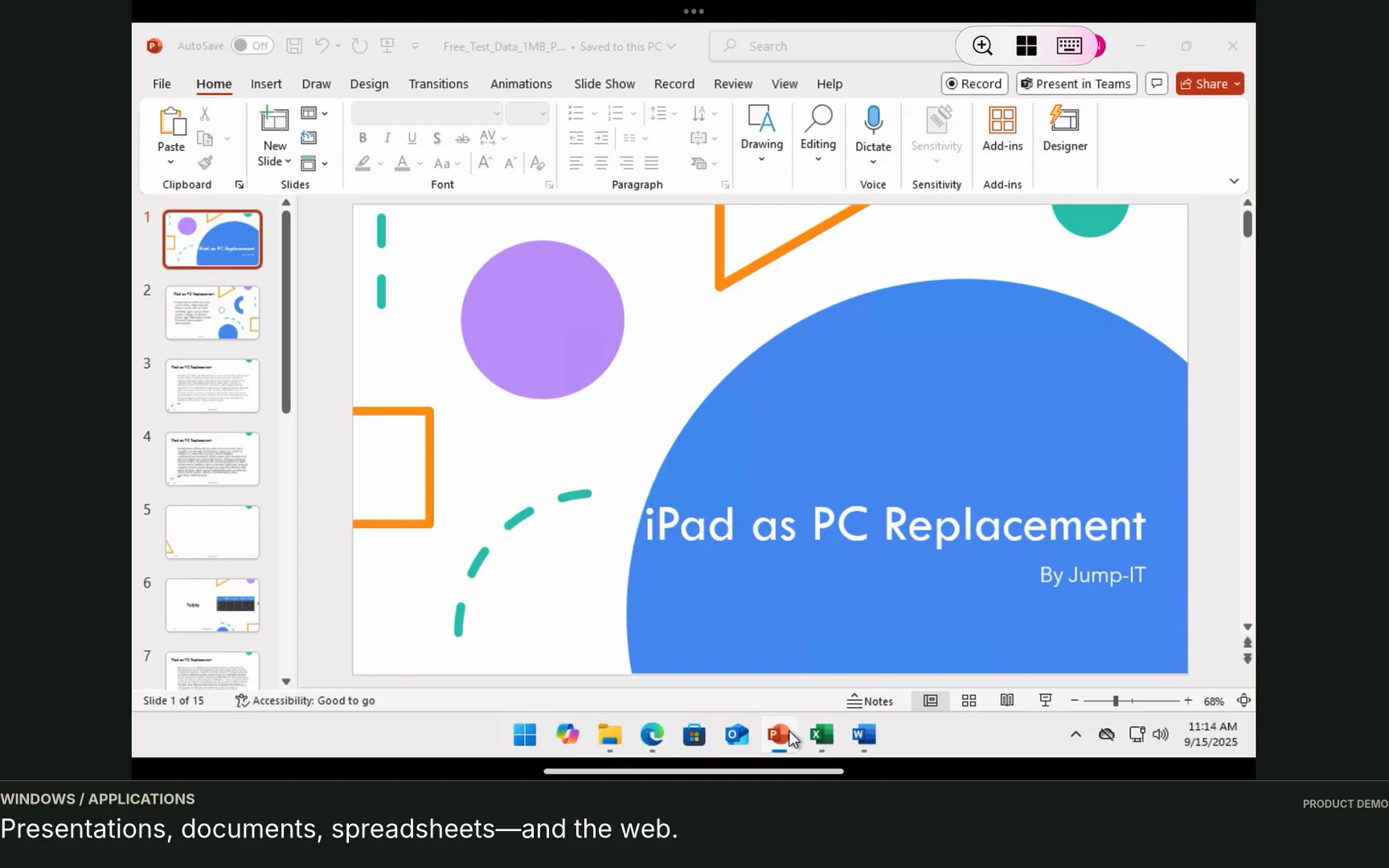
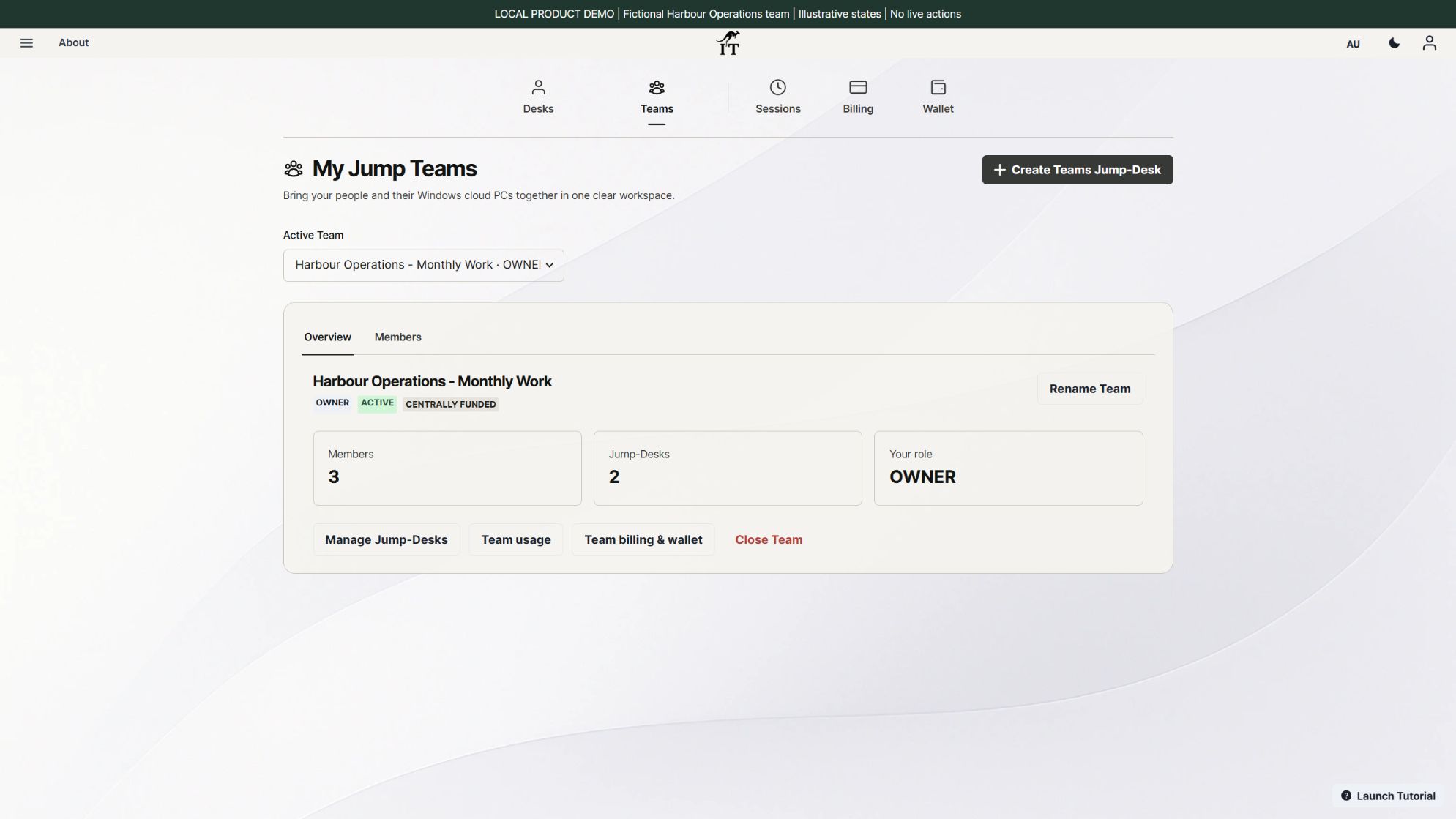
Watch the Jump-Teams demo: create a Team, invite a colleague, connect to Windows and add a second regional cloud PC with separate access permissions.
Watch the walkthrough →PRODUCT VIDEO
Watch a first-member onboarding demo: create a Jump-Team, choose permissions, send an invitation and hand over a Windows cloud PC with individual access.
Watch the walkthrough →PRODUCT VIDEO
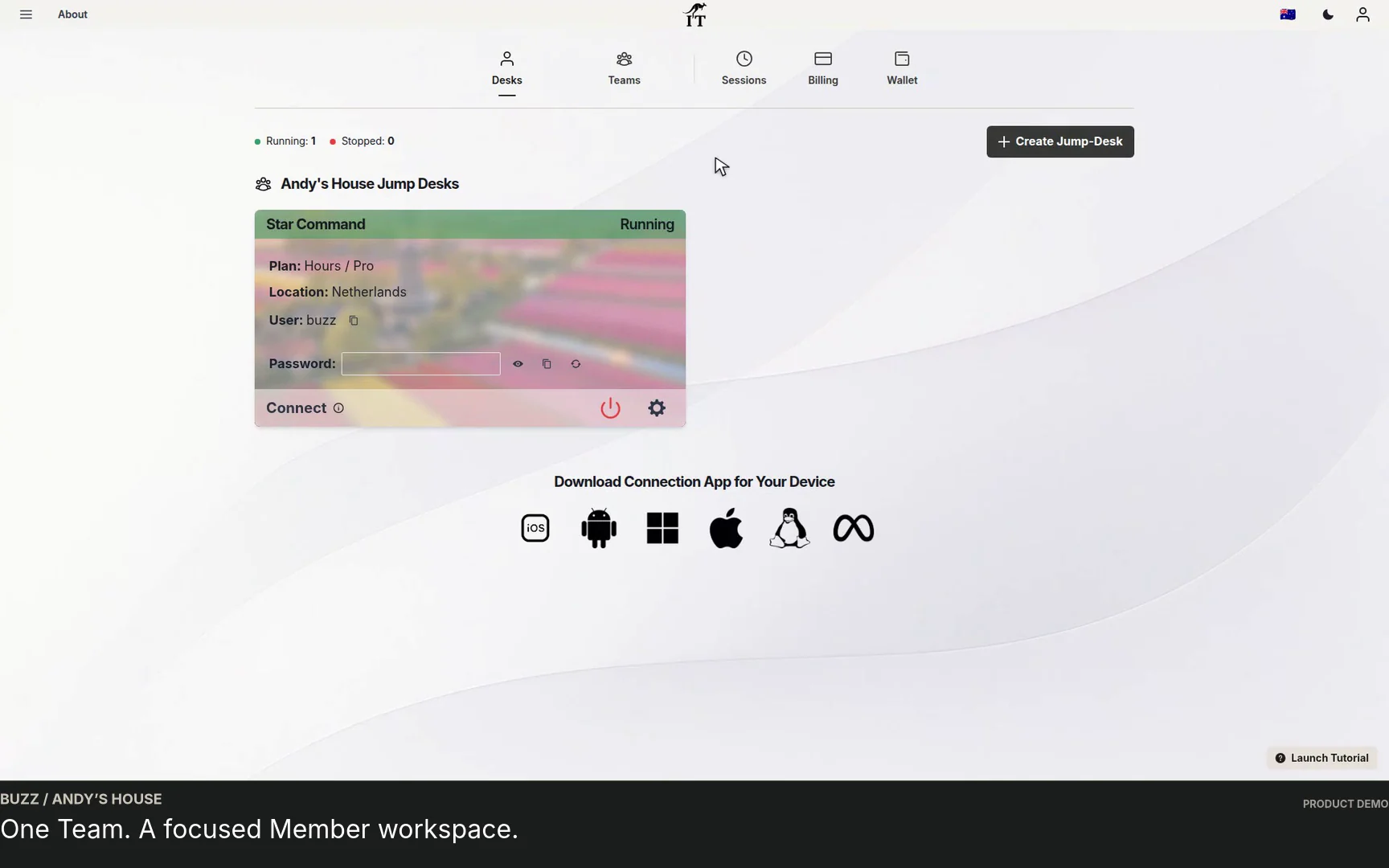
Watch a Team member accept an invitation, find their Jump-Desk, review connection settings and open Windows with their own account and connection file.
Watch the walkthrough →PRODUCT VIDEO
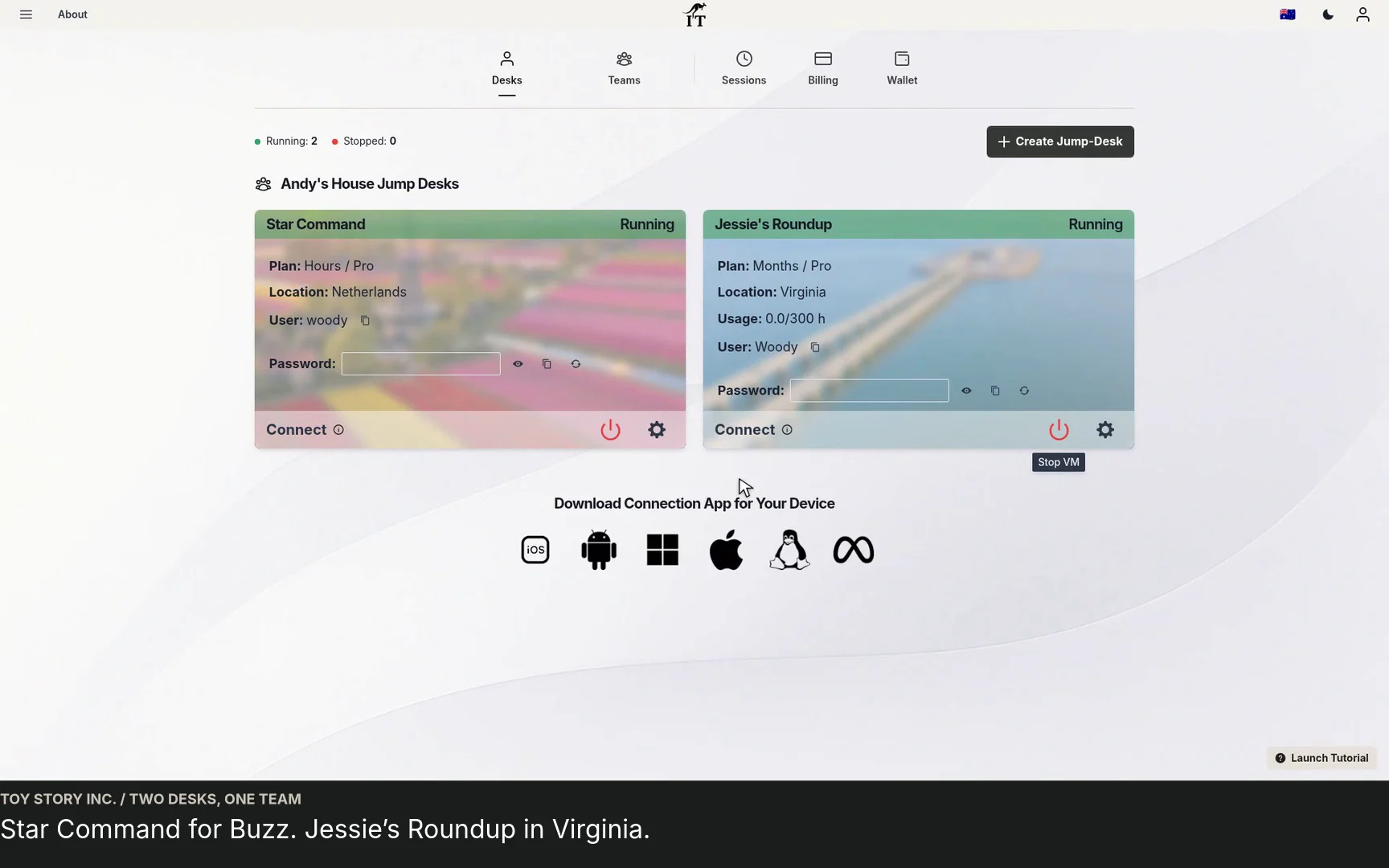
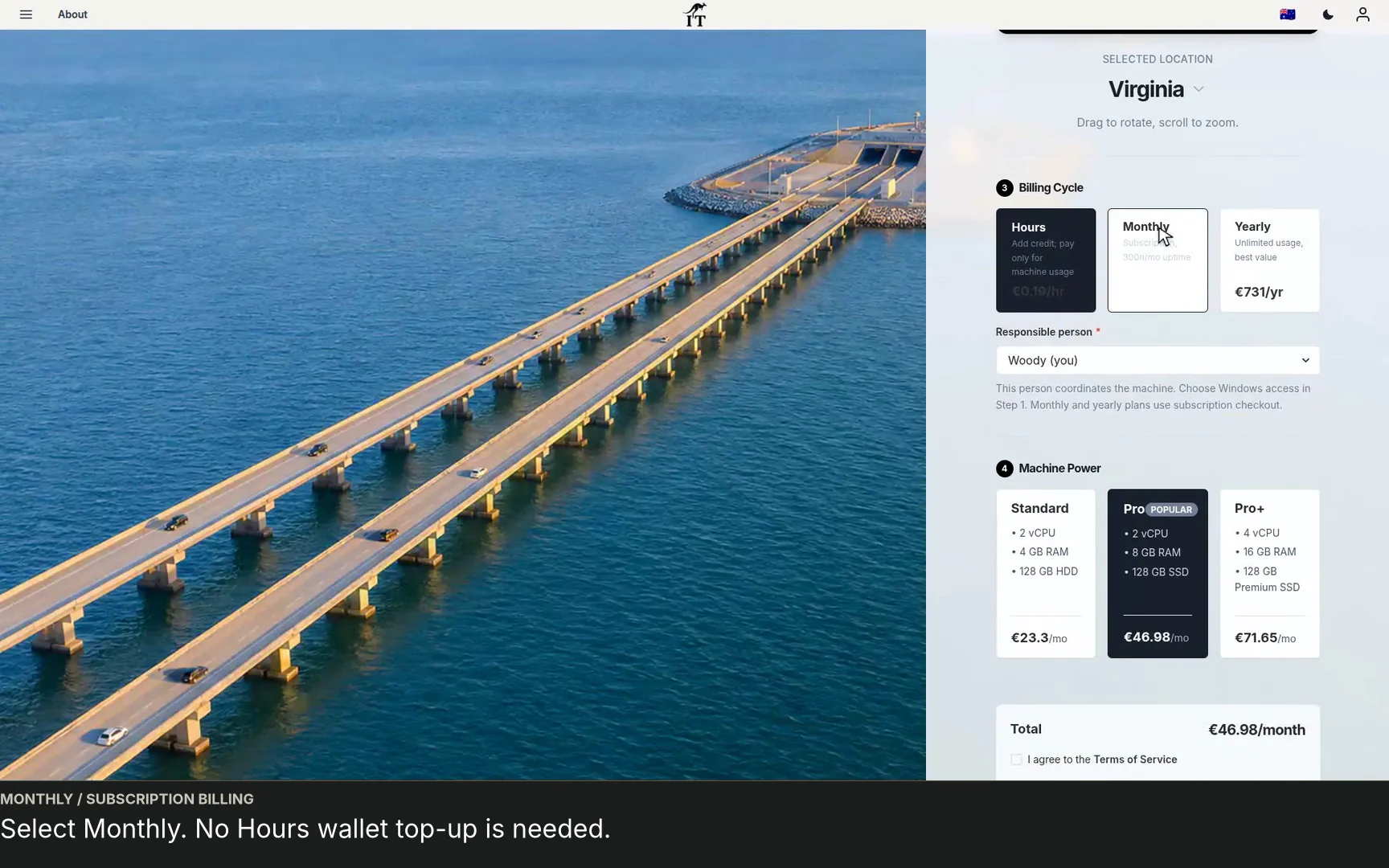
See a regional Windows cloud PC added to Jump-Teams: choose Virginia, a monthly plan and separate Windows privileges for a colleague and deputy.
Watch the walkthrough →STARTUP GUIDE
Built by a startup, for startups. Give your team Windows cloud PCs on supported devices you already own, with invitations, access controls and flexible funding.
Read the guide →