BUSINESS GUIDE
Desktop as a Service for Small Business: A Practical Team Guide
Evaluate DaaS for a small team: Windows applications, Jump-Teams access, monthly desktop budgets, practical checks and when another setup fits better.
Read the guide →

JUMP-IT BUSINESS GUIDE
Build a desktop budget around people and real work. Compare a full Months subscription with all Hours charges, then add software, backup and support costs before expanding the team.
Make a short inventory with one row for each person or distinct project environment. Record who needs Windows at the same time, their primary device and location, the software they will install, and the expected running time. One active Windows user can use a Jump-Desk at a time, so three simultaneous workers need three suitable desktops.
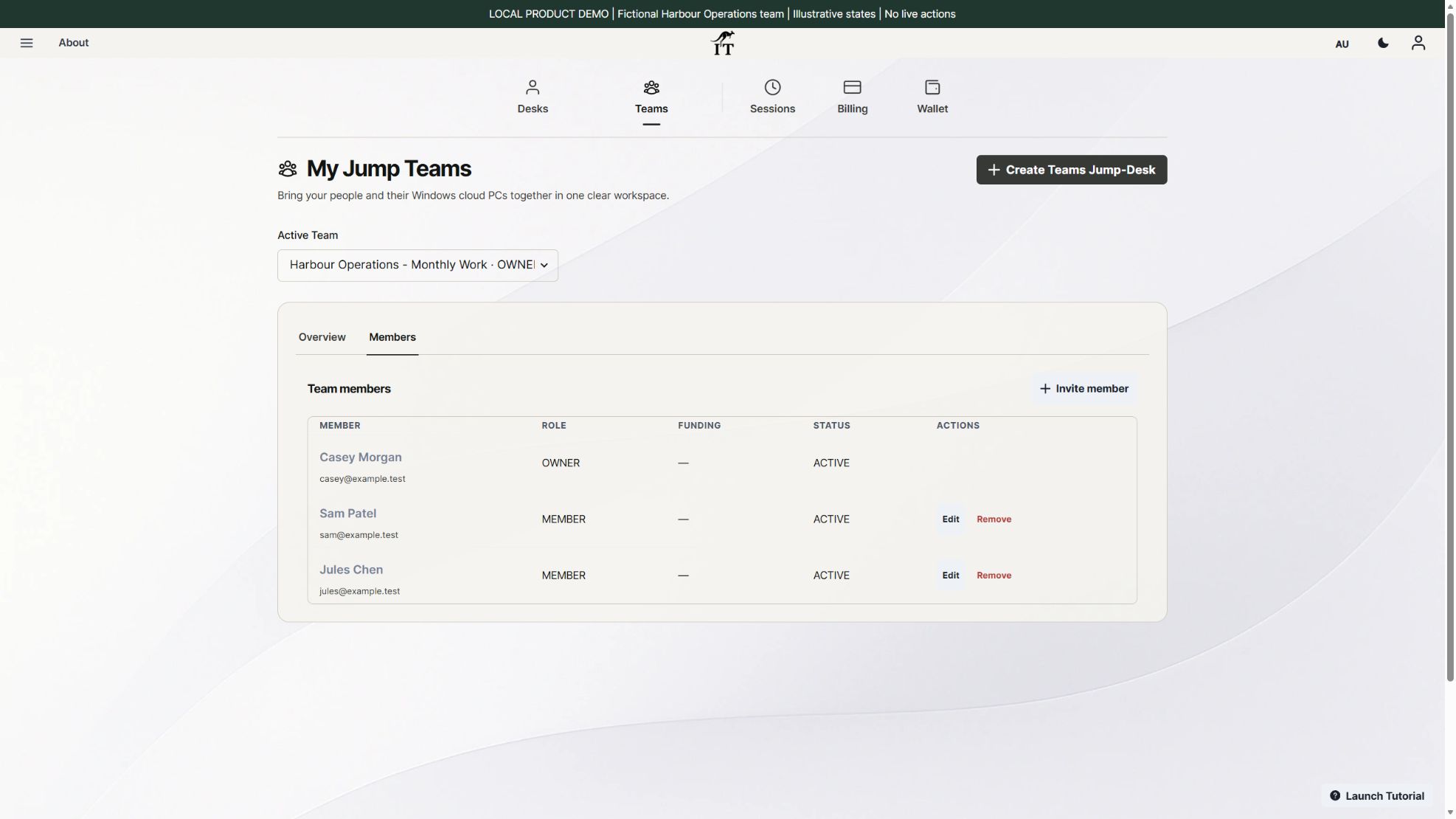
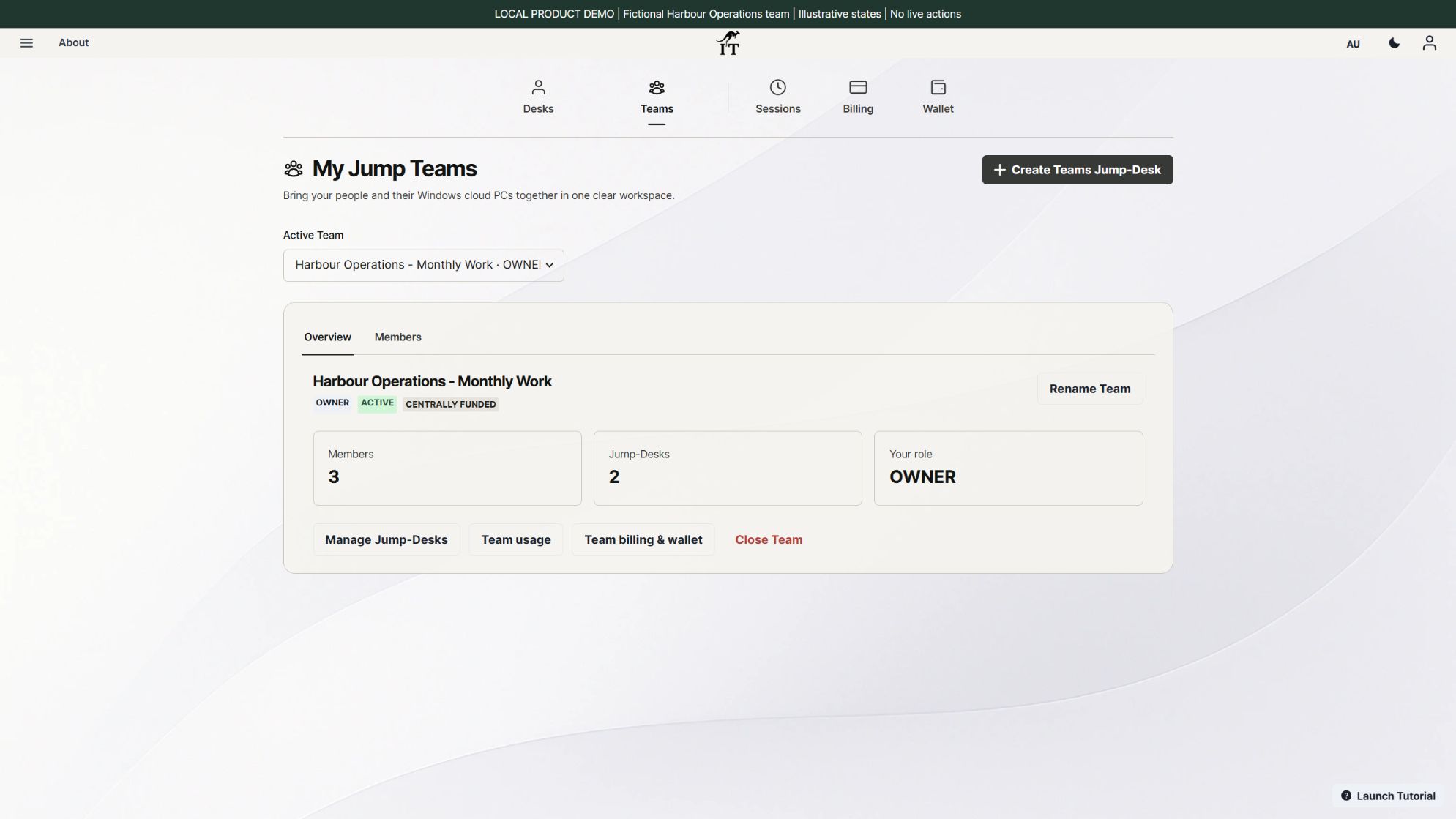
For fictional Harbour Operations, Sam manages quotations and project documents while Jules works on a client application. Casey coordinates Team access. Casey being the Team Owner does not automatically mean a third paid desktop is needed: budget a desktop for the Windows work each person actually performs. Team membership, desktop assignment and a paid Windows environment are different things.
Hours estimate = compute rate × running hours + service rate × retained hours. Retained hours include time stopped. A desktop kept for 30 days is retained for 720 hours, even if the person only connects on weekdays. Closing Windows App does not necessarily stop the machine.
Months estimate = full monthly price × number of subscribed desktops. Each desktop includes up to 300 uptime hours in its monthly allowance. Do not divide the fee by 300 and charge only the hours you expect to work. A billing period and a calendar month are not always the same length, so check the actual renewal date.
Keep the plan price separate from software licences, applicable taxes, optional extras, backup arrangements and the people who support the environment. Do not treat a wallet top-up as a discount or assume that the Hours wallet pays a Months subscription.
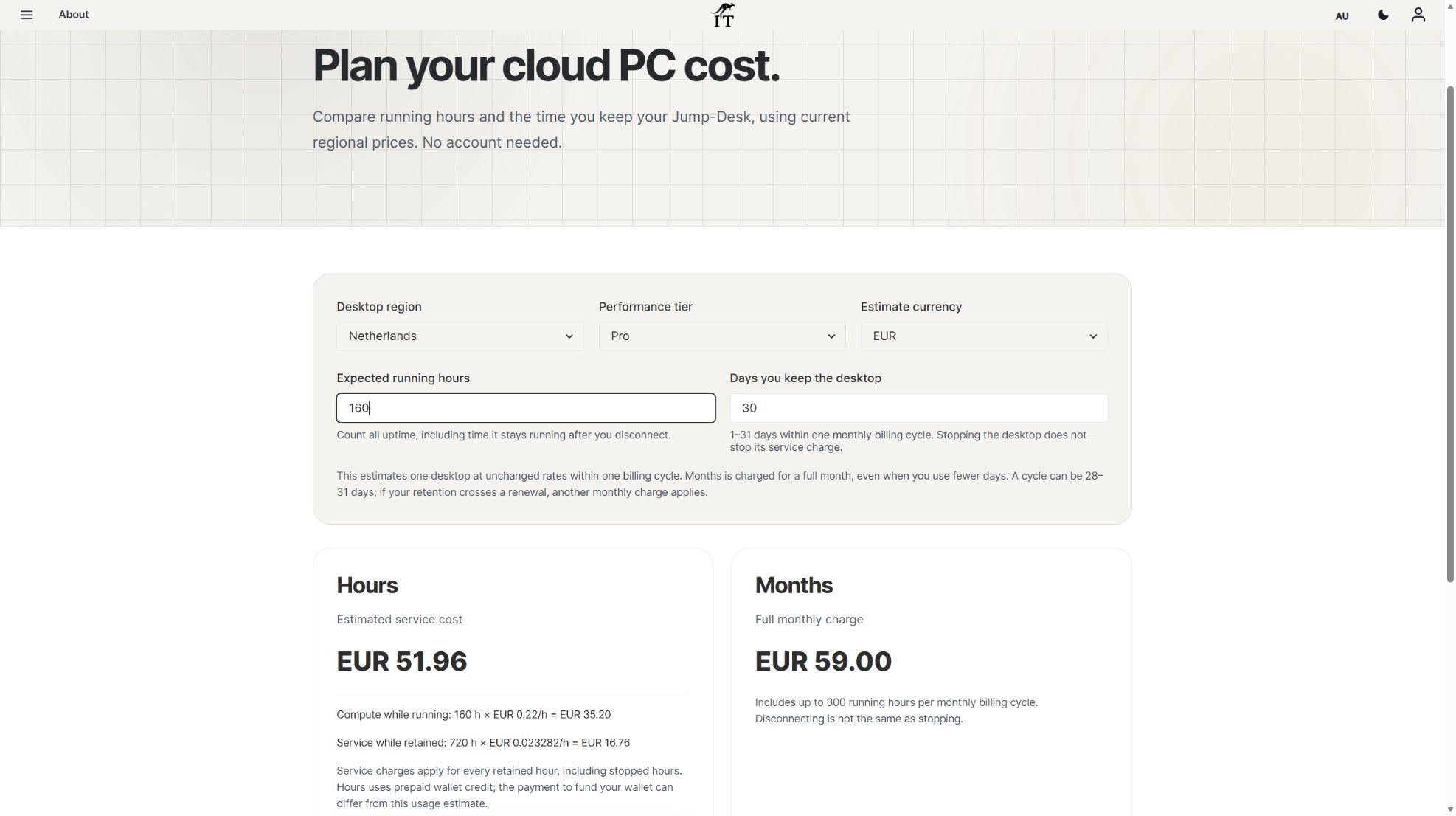
Rates rechecked in the public Jump-IT calculator on 3 November 2026: Netherlands Pro Hours is EUR 0.22 per running hour plus EUR 0.023282 per retained service hour; Months is EUR 59 for the full billing cycle with up to 300 uptime hours. Each example keeps one desktop for 30 days (720 retained hours) within one monthly billing cycle. All amounts are EUR and exclude VAT or other applicable taxes, discounts, software licences and optional extras. Confirm the final checkout total.
On smaller screens, scroll the table sideways to see every cost column.
| One Pro desktop | Compute | Retained service | Complete plan estimate |
|---|---|---|---|
| Hours: 20 running hours | EUR 4.40 | EUR 16.76 for 720 hours | EUR 21.16 |
| Hours: 160 running hours | EUR 35.20 | EUR 16.76 for 720 hours | EUR 51.96 |
| Hours: 220 running hours | EUR 48.40 | EUR 16.76 for 720 hours | EUR 65.16 |
| Months: up to 300 uptime hours | Included within plan allowance | Included in full plan price | EUR 59.00 |
Light use: 20 running hours, retained for 30 days. EUR 0.22 × 20 = EUR 4.40 compute; EUR 0.023282 × 720 = EUR 16.76304 retained service. Adding the unrounded amounts and rounding the total to two decimals gives EUR 21.16. Stopped hours still count towards retained service. Hours uses prepaid wallet credit; the amount you fund can differ from this consumption estimate. The Months charge remains EUR 59 even at this lighter use.
Recalculate 20 running hours and 30 retained days at current prices. If retention crosses a Months renewal, another full monthly charge applies; these examples assume one cycle.
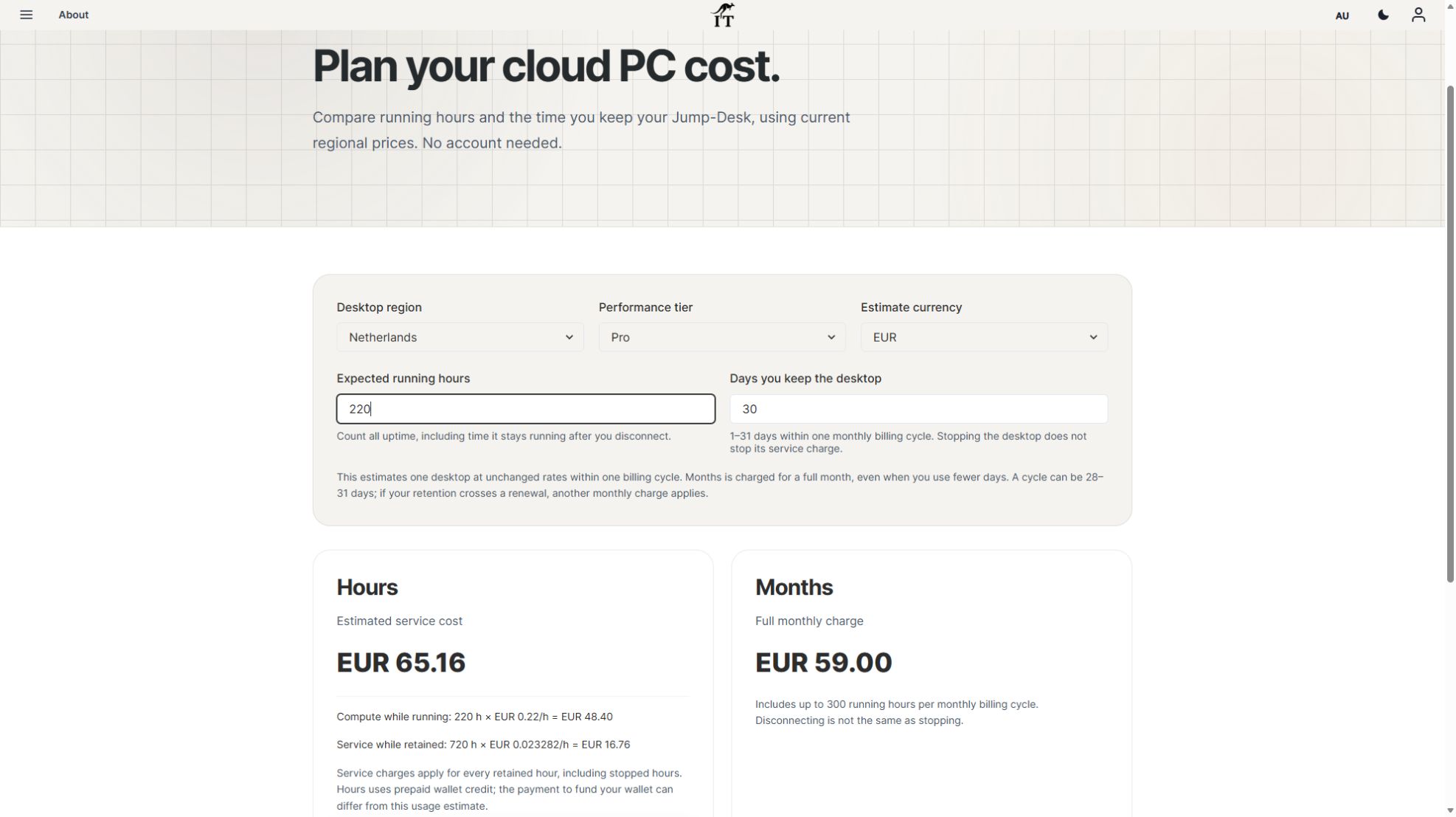
At 160 hours the Hours estimate is lower by EUR 7.04. At 220 hours Months is lower by EUR 6.16. For these specific rates and 30-day retention, the arithmetic crosses at about 192 running hours. That is not a universal threshold: region, size, currency, retention and future prices change it.
At the example EUR 59 rate, three Months Pro desktops total EUR 177 per full billing period and five total EUR 295, before applicable taxes, discounts and extras. Each desktop has its own up-to-300-hour allowance; do not treat those hours as a pooled bank shared across the Team.
A monthly desktop budget can help an owner plan for stable work, but it still needs a capacity check. A developer whose required tools exceed the chosen memory or processor capacity may need a different configuration. A colleague who only opens one Windows application occasionally may be better served by Hours. Use the current calculator for each actual configuration rather than copying one rate across a mixed team.
A MIXED TEAM · A COMPLETE ESTIMATE
Fictional Cedar Projects has three people: Mina prepares quotations and proposal documents, Ivo maintains a client application, and Rowan coordinates the Team. Mina expects 220 running hours in a billing cycle; Ivo expects 40. Rowan does not need a Windows session for this project. The desktop budget therefore starts with two separate Windows environments, with different working patterns.
The example below uses Netherlands Pro in EUR, checked 3 November 2026. Both desktops are kept for 30 days within one billing cycle. The checked rates are EUR 0.22 per running hour plus EUR 0.023282 per retained hour for Hours, and EUR 59 for a full Months cycle with up to 300 uptime hours per desktop.
| Person and work | Plan considered | Complete desktop estimate |
|---|---|---|
| Mina · quotation, costing and proposal tools · 220 running hours | Months, if the applications and capacity fit | EUR 59.00 for the full cycle. The same running time on Hours estimates EUR 65.16. |
| Ivo · editor, Git, runtime and client build · 40 running hours | Hours, retained through the review period | EUR 8.80 compute + EUR 16.76 retained service = EUR 25.56. |
| Rowan · Team coordination only | No additional Windows desktop in this example | No extra desktop included. Add one if Rowan also needs an independent Windows session. |
Combined desktop estimate: EUR 84.56, compared with EUR 118 for two Pro Months desktops. That is an illustrative EUR 33.44 difference under these assumptions, not a measured customer saving. Add applicable taxes, discounts, optional extras, application licences, backup and administration costs. Wallet funding can differ from estimated consumption; it is not the same as paying a Months subscription.
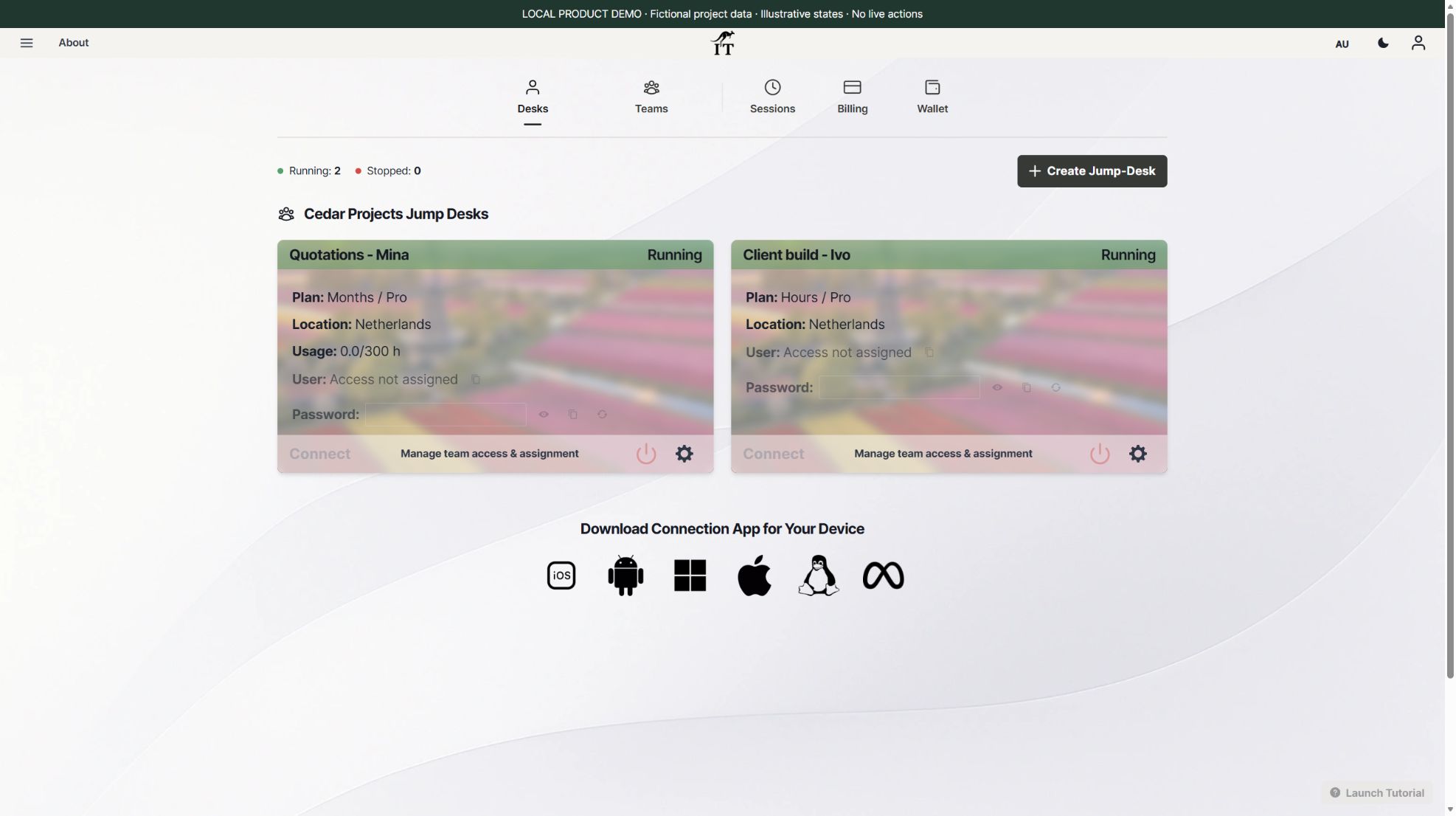
Record the expected hours, retained days and next review date beside each role. After the first billing cycle, compare the plan with actual running time and the work still required. Keep the handover decision separate from access removal, and use the operating-responsibility guide to assign software and recovery work.
| Budget row | What to record |
|---|---|
| Desktop plan | Person or project, region, tier, currency, full Months fee or complete Hours estimate |
| Running time | Expected sessions plus time left running between sessions |
| Software | Application licences, virtual-use permissions and user entitlements |
| Business records | Separate backup, export process and retention requirements |
| Administration | Who handles setup, updates, access changes and support |
| Renewal and exit | Billing date, review owner and handover steps before cancellation or deletion |
In the first month, compare the estimates with the available actual billing and usage records. Do not judge a plan from login frequency alone: a desktop can continue running after a connection closes. Review lightly used subscriptions before renewal and review recurring Hours work when it becomes predictable.
A sensible purchase decision combines the budget with a working test. For Sam’s quotation workspace, install the chosen licensed quotation, spreadsheet and document tools, then check a real proposal workflow. For Jules, install the chosen editor, Git and runtime, configure the project repository and rehearse a build with approved test data.
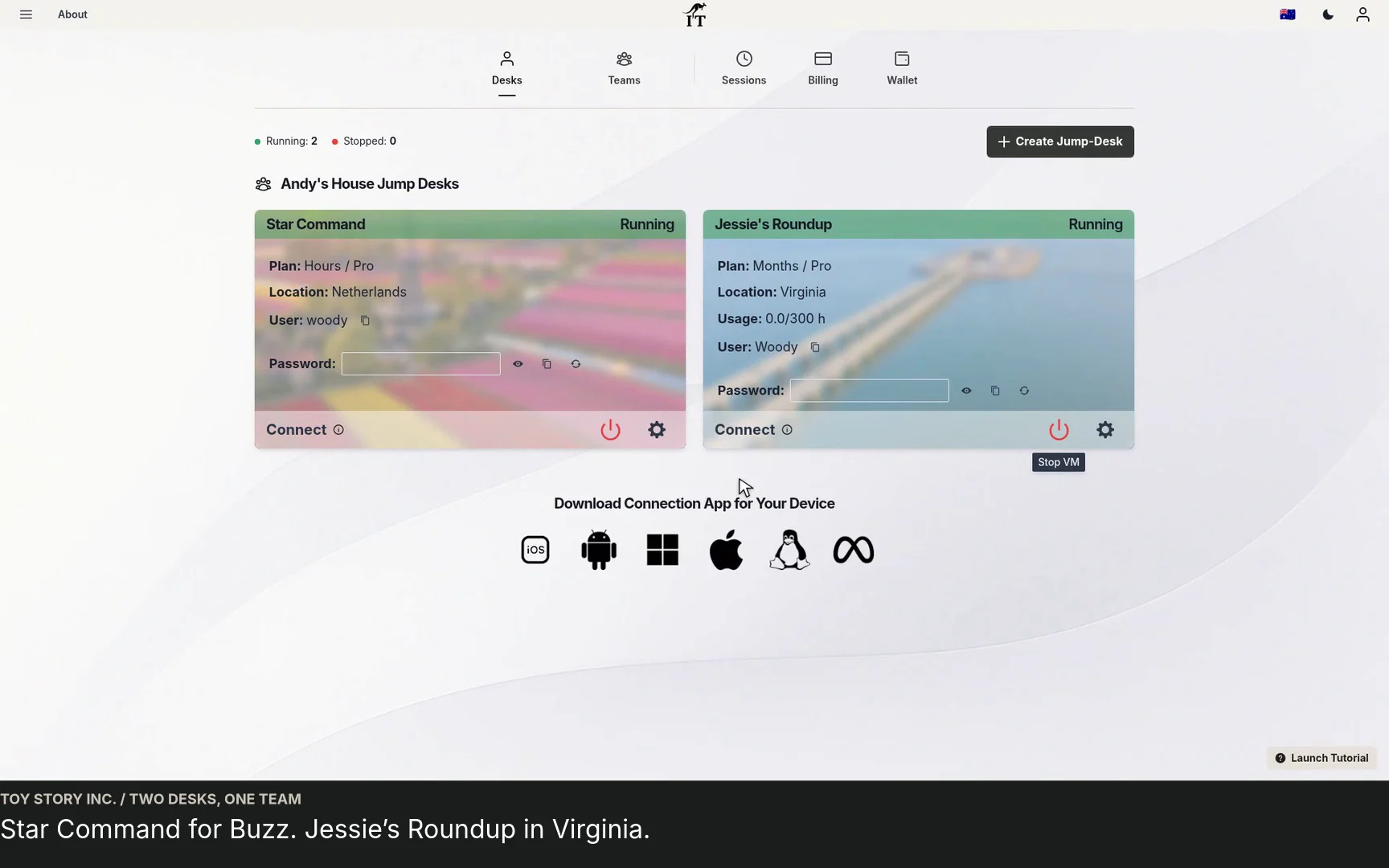
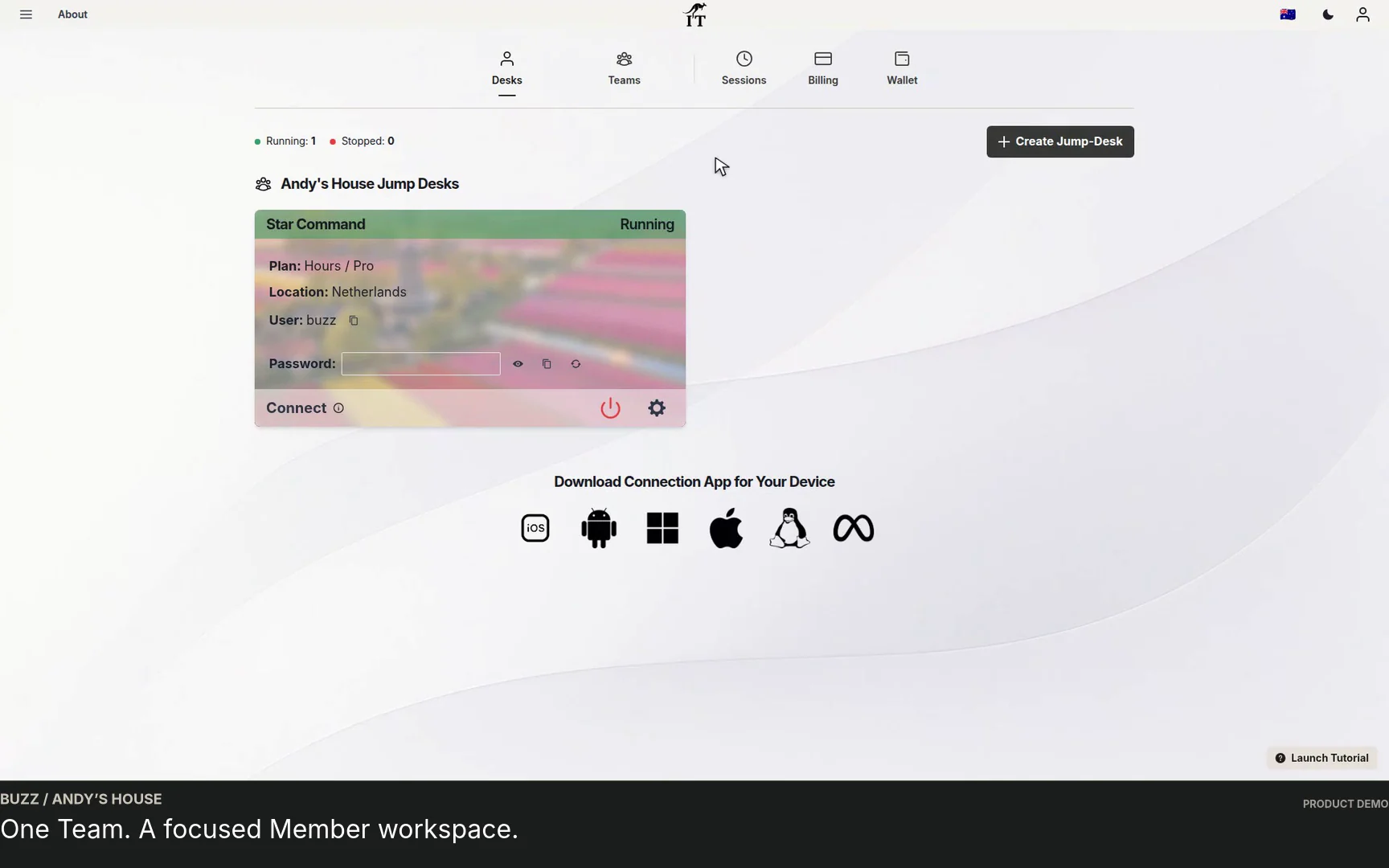
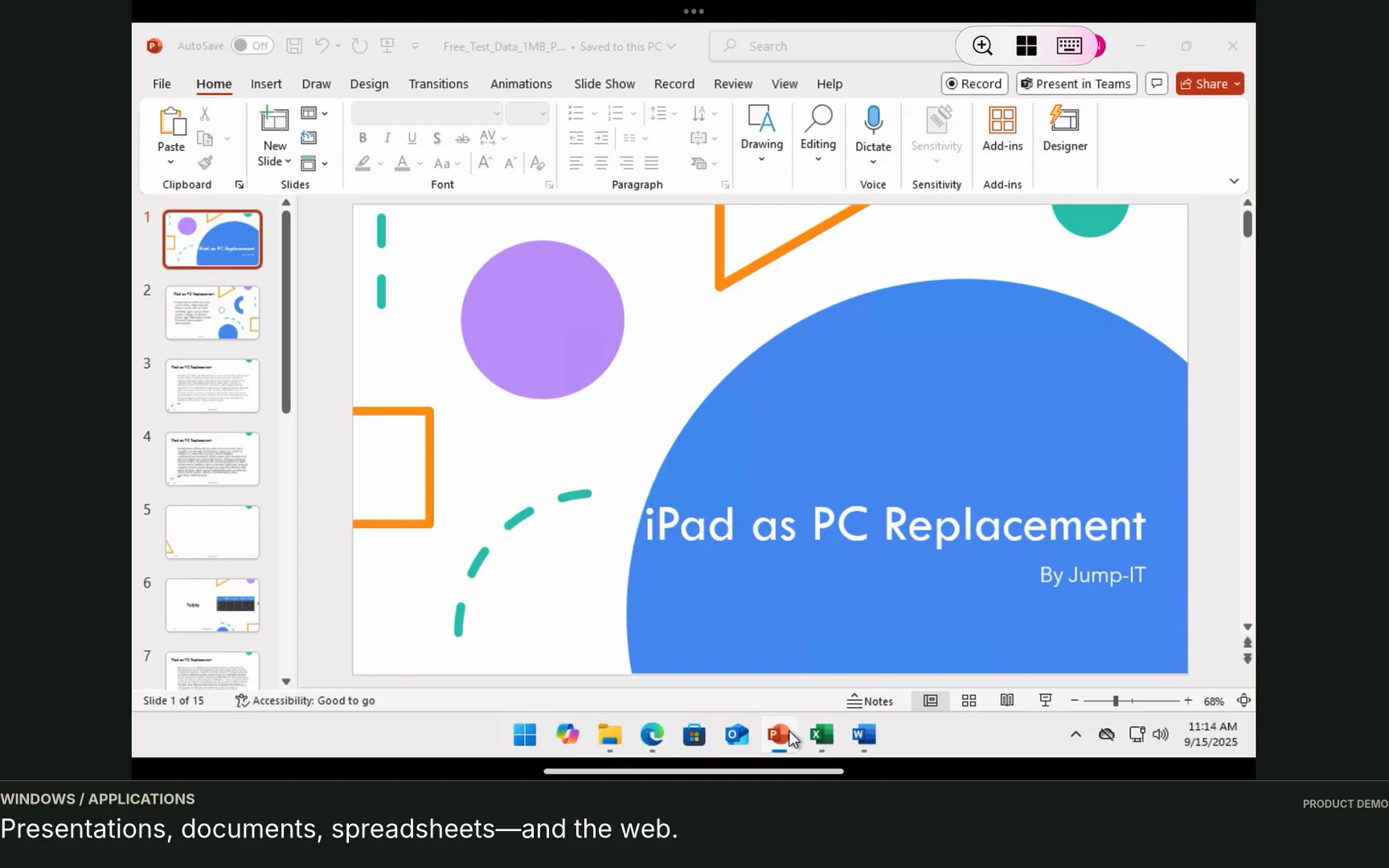
The demonstration screenshots show the product’s calculator and fictional Team setup, not completed remote application work. Before expanding, verify each person’s supported device and network, decide their Team role and Windows privilege separately, and make a handover plan for contractors. See the Months workspace guide for recurring development use.
No. Months is the full monthly price with up to 300 uptime hours per desktop. Fewer working hours do not turn it into a prorated hourly plan.
No. Running compute stops when the desktop is stopped, but service charges continue while the desktop is retained. Include both in a complete estimate.
No. These are a dated Netherlands Pro EUR example. Confirm the current region, configuration, currency, taxes, discounts, extras and checkout before purchase.
Choose the actual role, applications, device and working hours first. Then use the Jump-Teams guide to organise access and the current calculator to compare plans. A representative working test is more useful than buying capacity for an assumed workload.
The touchscreen MacBook Pro guide and Surface Laptop Ultra guide include a current Netherlands Pro example: 160 running hours over 30 retained days estimates EUR 51.96 on Hours, compared with EUR 59 for Months with up to 300 uptime hours. These are different charging models; add laptop purchases, software and applicable taxes separately.
Related device guidance added 31 October 2026.
TEAMS GUIDES
BUSINESS GUIDE
Evaluate DaaS for a small team: Windows applications, Jump-Teams access, monthly desktop budgets, practical checks and when another setup fits better.
Read the guide →BUSINESS GUIDE
Plan a contractor’s Windows workspace from setup to handover: Team roles, Windows privileges, project files, application access and monthly cost review.
Read the guide →PRODUCT VIDEO
Watch the Jump-Teams demo: create a Team, invite a colleague, connect to Windows and add a second regional cloud PC with separate access permissions.
Watch the walkthrough →PRODUCT VIDEO
Watch a first-member onboarding demo: create a Jump-Team, choose permissions, send an invitation and hand over a Windows cloud PC with individual access.
Watch the walkthrough →PRODUCT VIDEO
Watch a Team member accept an invitation, find their Jump-Desk, review connection settings and open Windows with their own account and connection file.
Watch the walkthrough →PRODUCT VIDEO
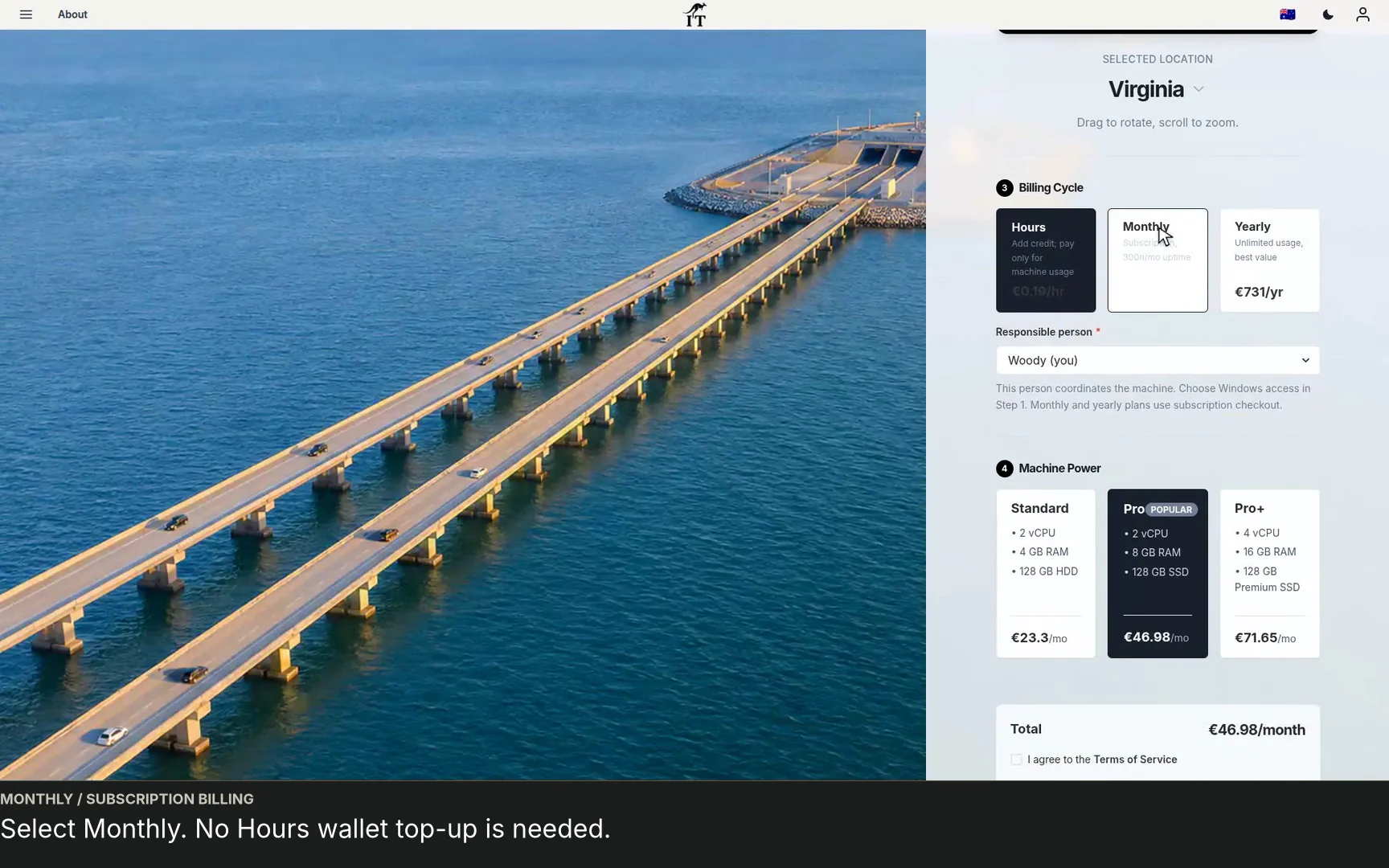
See a regional Windows cloud PC added to Jump-Teams: choose Virginia, a monthly plan and separate Windows privileges for a colleague and deputy.
Watch the walkthrough →STARTUP GUIDE
Built by a startup, for startups. Give your team Windows cloud PCs on supported devices you already own, with invitations, access controls and flexible funding.
Read the guide →