A practical comparison of iPhone Duo, Galaxy Z Fold8, Fold8 Ultra and Pixel 11 Pro Fold. Find the right balance of screen space, portability and desktop tools—then add Windows when your work needs it.
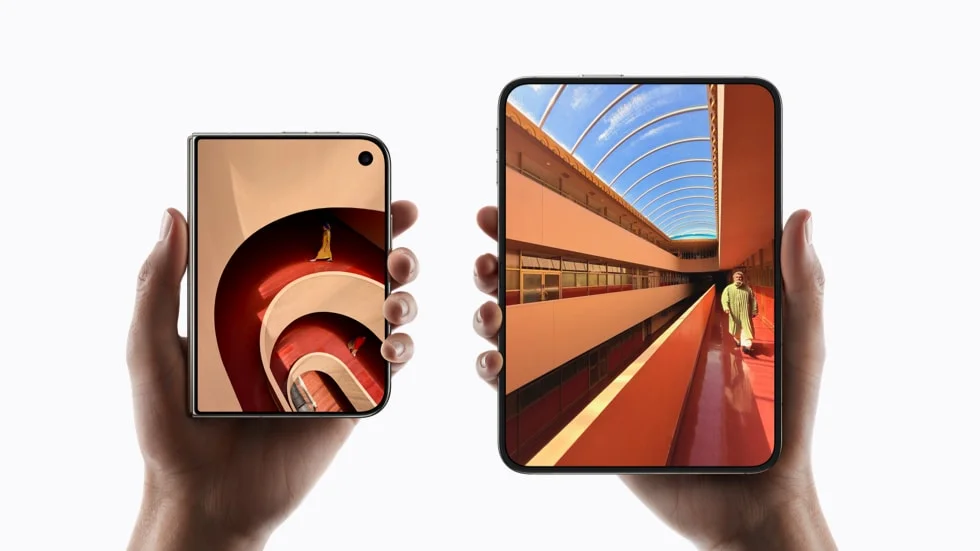
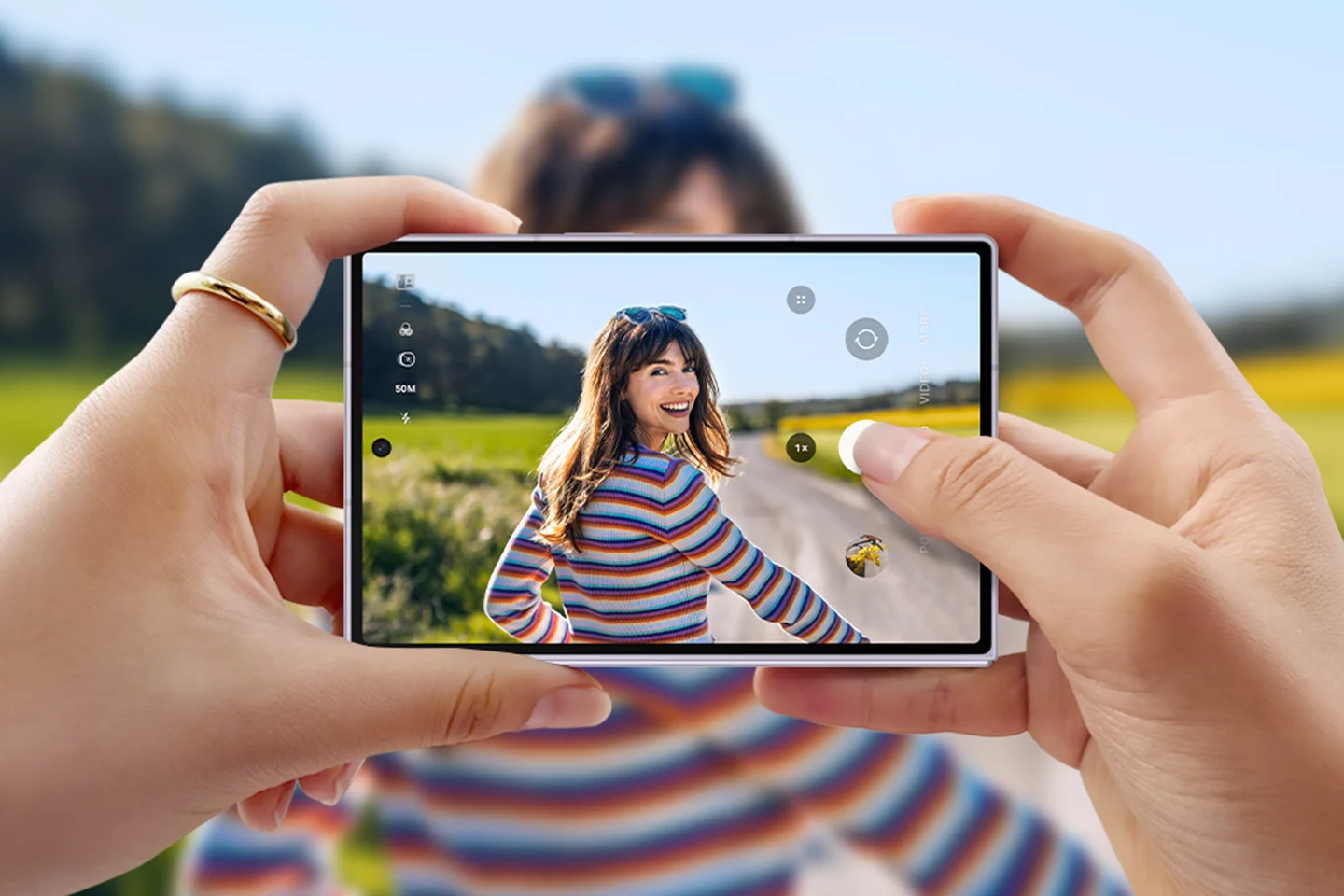
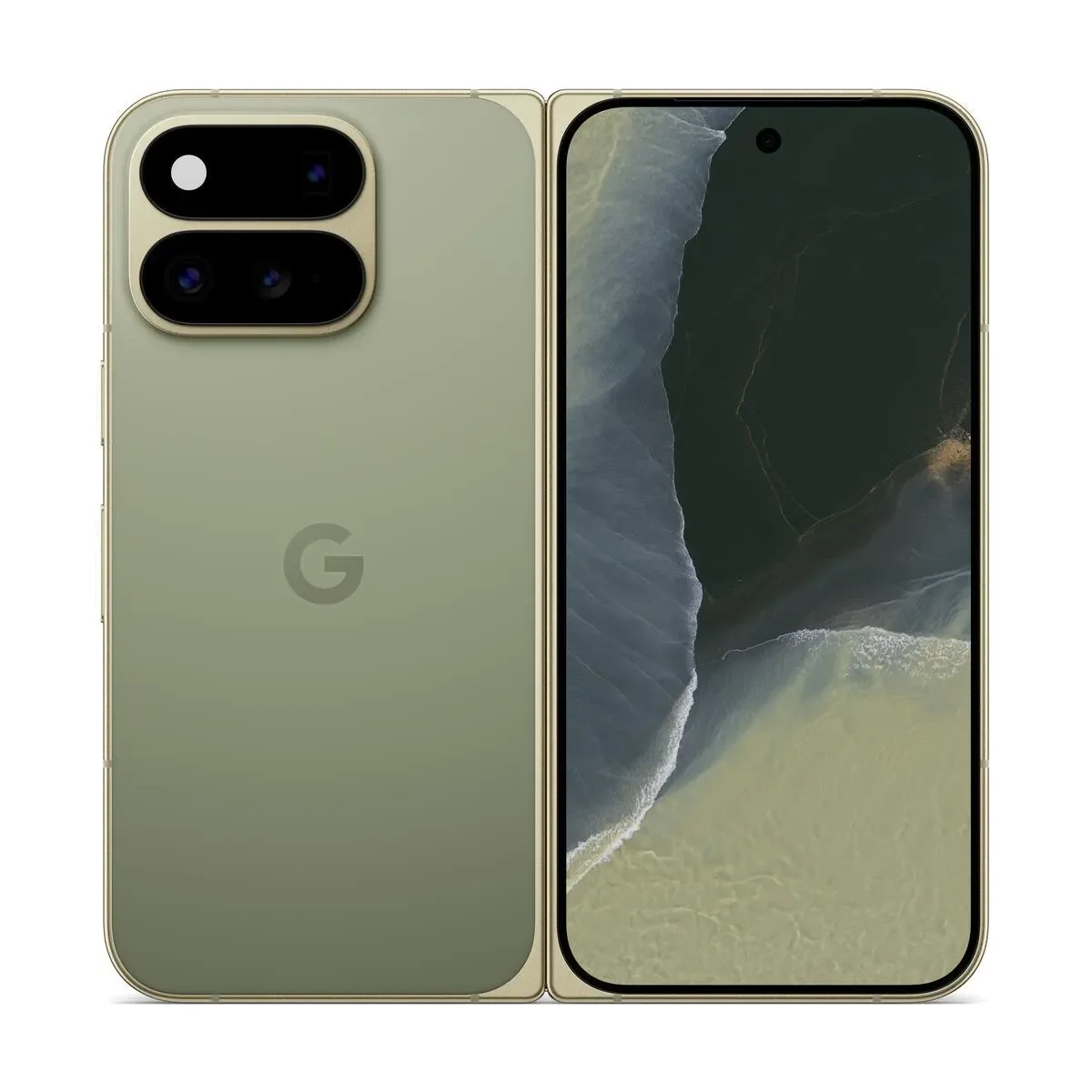
iPhone DuoOfficial image · AppleGalaxy Z Fold8Official image · SamsungPixel 11 Pro FoldOfficial image · Google
Manufacturer imagery; devices are shown at different scales. Fold8 Ultra is included in the comparison below.
DEVICE CONTINUITY · CHECKED 26 OCTOBER 2026
Screen-cracking reports: compare the repair plan as well as the phone.
The October iPhone Duo “crack-gate” reports add a practical buying question: how would you keep working while a device is repaired? Reported hinge-area cracks are not a measured failure rate or a confirmed diagnosis for every phone.
Samsung has more foldable generations and a documented DeX workflow, but it is inaccurate to say its foldables have never had display problems: its original Fold launch was postponed after screen issues. We do not have comparable current failure-rate evidence to rank these devices for durability.
For a work-critical purchase, our conservative preference is to consider waiting until generation three of a new device category, then assess long-term evidence and repair support. Generation three is not a promise that faults are fixed.
Choose the phone for its everyday use and service options. Choose Jump-Desk only when a specific Windows application or recurring project justifies the separate cloud PC.
Create an account or sign in, then review the region, plan and full price before creating a paid desktop. Months is a full monthly charge with up to 300 uptime hours per desktop; Hours has running compute plus a service charge while retained, including when stopped. Install and license your chosen applications yourself.
21 OCTOBER REVIEWS · WORKFLOW UPDATE 22 OCTOBER
Before choosing Duo for work, watch how its apps use the screen.
If you already want Duo for your everyday phone and need a specific Windows desktop tool, follow our iPhone Duo mini-computer setup guide. It covers a recurring client-report project, Windows App connection steps, input checks and the full costs of retaining a Windows workspace.
Choose the work first. Duo keeps iOS; DeX provides Samsung’s Android desktop-style environment; a Jump-Desk supplies a separate remote Windows computer. None guarantees that a particular app, accessory or file workflow will suit you. Test on your intended device before buying hardware for this purpose.
For established recurring use, compare Months with complete Hours costs. Netherlands Pro Months is EUR 59 per desktop/full month with up to 300 uptime hours, before applicable taxes, discounts and extras. Application licences, data and accessories are separate. Hours can cost less for light use.
Jump-IT has not tested Duo hardware. The original hardware comparison remains dated 9 September 2026; this update adds the new reviews and a practical Windows workflow without claiming a new hardware test.
THE QUICK VERDICT
Choose the working style, then the phone.
Galaxy Z Fold8 Ultra is our first option to investigate for a large handheld workspace plus monitor use. Choose Fold8 when carrying less matters most. Pixel 11 Pro Fold offers a similarly large inner screen with Google’s Android experience; iPhone Duo brings a folding workspace to an iPhone routine.
These are editorial recommendations from published specifications, not comparative hands-on tests. Apple announced Duo on 9 September, with first availability from 23 October 2026. Apple’s launch details
THE FEATURES THAT CHANGE YOUR DAY
iPhone Duo vs Galaxy Z Fold8: where Pixel fits.
The headline screen size is only part of the experience. Cover-screen width, app layouts and comfortable input can matter just as much when checking a spreadsheet or replying between meetings.
On smaller screens, swipe across the table. The feature column stays in view.
Published specifications and working modes · September 2026
Feature
iPhone Duo
Galaxy Z Fold8
Galaxy Z Fold8 Ultra
Pixel 11 Pro Fold
Inner display
7.6-inch
7.6-inch
8.0-inch
8.0-inch
Cover display
5.4-inch
5.5-inch
6.5-inch
6.5-inch
Weight
254 g
201 g
215 g
239 g
Thickness, open
5.2 mm
4.5 mm
4.1 mm
5.0 mm
Processor
A20 Pro
Snapdragon 8 Elite Gen 5 for Galaxy
Snapdragon 8 Elite Gen 5 for Galaxy
Google Tensor G6
Phone multitasking
iOS Split View
One UI Multi Window
One UI Multi Window
Android split screen and Bubbles
On a monitor
USB-C DisplayPort output; check the app’s behaviour
Samsung DeX, wired or wireless
Samsung DeX, wired or wireless
Pixel desktop mode via USB-C DisplayPort
Windows approach
Remote PC through an iOS client; test Duo on release
For someone who wants to keep their familiar iPhone apps and habits, Duo is the natural option to consider. Split View adds space for two tasks. At 254 g, it is the heaviest phone here; test the unfolded grip and your essential apps before treating it as an everyday workstation.
02 / THE LIGHTER CARRY
Galaxy Z Fold8
The 201 g Fold8 is the lightest of these four. Its 7.6-inch inner screen and DeX make it worth considering for short handheld tasks followed by a desk session. Choose it over Ultra when carrying weight matters more than the larger inner and cover displays.
03 / THE LARGER SAMSUNG WORKSPACE
Galaxy Z Fold8 Ultra
An 8-inch inner display, 6.5-inch cover display and 215 g weight give Ultra an appealing balance for work in several places. It is our first shortlist choice for this particular brief. Check how your real documents fit: diagonal size alone does not prove that every app displays more useful information.
04 / THE GOOGLE ROUTINE
Pixel 11 Pro Fold
Pixel combines an 8-inch inner screen with Google’s Android experience, split screen and Bubbles for quick app access. It also supports a monitor-based desktop workflow. Consider it if Google’s apps suit your day; compare its 239 g weight with Samsung’s options before choosing on display size alone.
“Pixel Fold” in this guide refers to the current Pixel 11 Pro Fold, not Google’s original 2023 Pixel Fold. These are recommendations for different routines, rather than performance scores.
FROM THE POCKET TO THE DESK
A bigger screen is only useful with the right apps.
Samsung DeX and Pixel desktop mode
Both Android routes offer a desktop workspace on a suitable monitor. Samsung supports wired DeX and wireless DeX with a compatible display. Google documents free-form or maximised app windows with an external keyboard and mouse, using USB-C DisplayPort.
Duo supports USB-C DisplayPort output. That specification does not establish a DeX-style desktop or guarantee how a remote client uses the external display. Start with the apps you already need, then verify keyboard, pointer and monitor behaviour on the released phone.
For prolonged writing or detailed spreadsheet work, a keyboard and larger display can be a more useful investment than a handset upgrade.
WHEN YOUR WORK NEEDS WINDOWS
The phone you prefer. The Windows app you need.
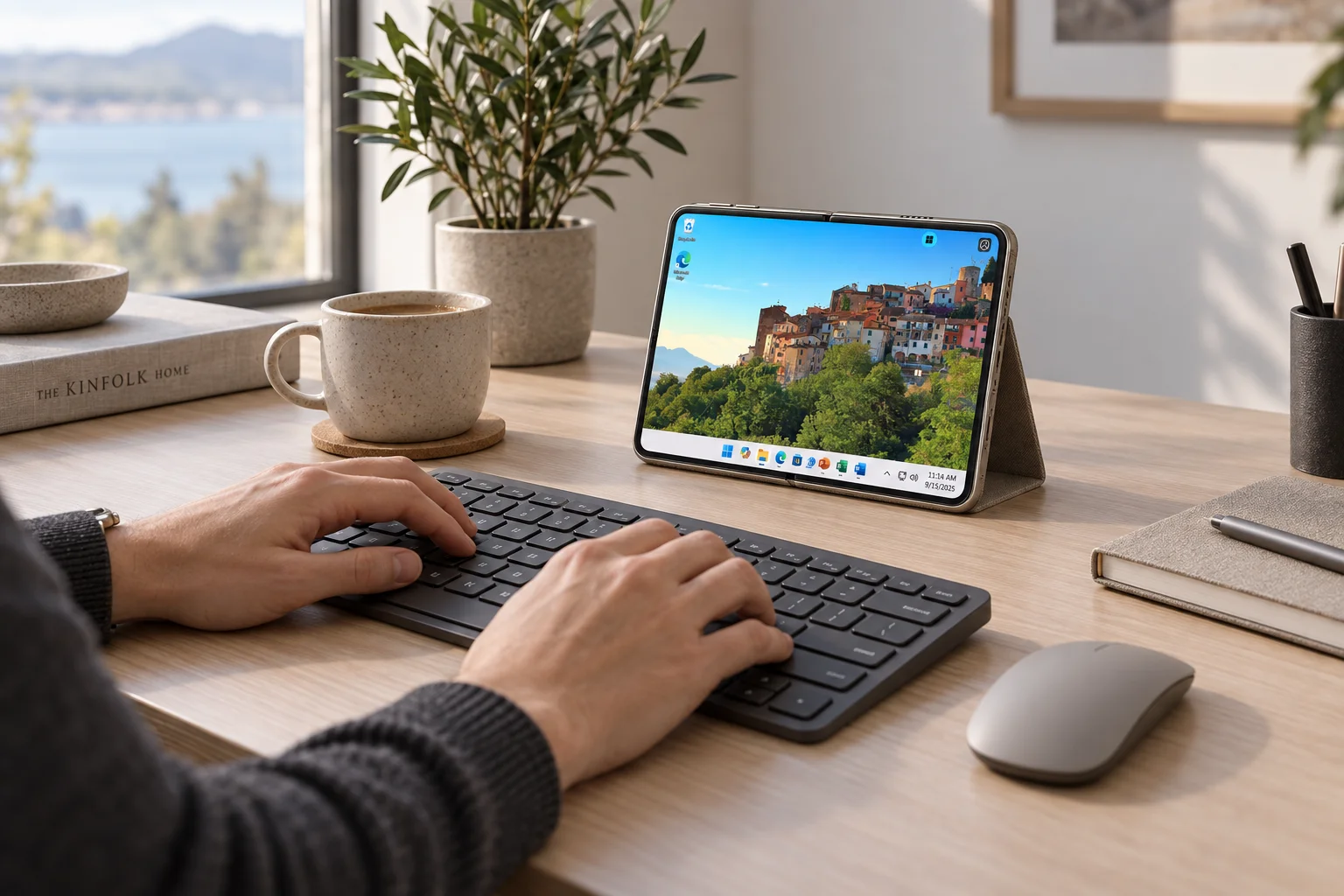
A Jump-Desk is a Windows cloud desktop from Jump-IT. Your phone connects to it with a compatible remote-PC client. Windows runs on the remote computer; iOS or Android stays on your handset. DeX and Pixel desktop mode remain Android workspaces.
Use this for a compatible Windows application, a desktop-only tool or an occasional task your phone’s apps cannot complete. Check software licences, choose suitable desktop resources and test the connection where you will actually work. The phone’s processor does not add CPU or memory to the Windows machine.
For a mixed handheld-and-monitor routine, our specifications-based shortlist starts with Galaxy Z Fold8 Ultra: its 8-inch inner display and Samsung DeX make a useful combination. Fold8 suits lighter travel, Pixel 11 Pro Fold suits a Google-centred routine, and iPhone Duo suits an existing iPhone workflow. The best fit depends on your applications and input comfort.
Is Pixel Fold the same as Pixel 11 Pro Fold?
No. Pixel Fold is also the name of Google’s original 2023 foldable. This September 2026 comparison uses Pixel 11 Pro Fold. Earlier Pixel Fold generations have different hardware and capabilities; check the exact model when comparing a used phone or sale listing.
Can these phones run Windows desktop applications?
The approach here is a remote Windows desktop. A Jump-Desk runs Windows separately while a compatible phone client displays the session. This does not install Windows on the handset. Check your applications, licences, network and client; Duo-specific behaviour still needs verification on released hardware.
Does DeX or Pixel desktop mode replace a Windows PC?
Both provide an Android workspace on a compatible monitor. They may cover browser and Android-app tasks, but do not turn Android applications into Windows applications. A remote Windows session can supply the missing application when needed.
Is the most powerful phone also the fastest for remote Windows?
Not necessarily. Windows applications run on the remote computer. Its resources, the connection and your working location matter more than a phone-chip ranking. Choose the handset for readable controls and comfortable input, then size the Jump-Desk for the work.
MAKE THE NEXT TASK POSSIBLE
Choose the workspace. Keep your options open.
Explore Jump-IT, compare the current plans and configure a Jump-Desk around the Windows work you need to do.
Reviewed on 9 September 2026 using the manufacturers’ specifications and published software guidance. Recommendations reflect the stated working patterns; no comparative device testing or Windows performance benchmark is claimed. The original launch comparison preceded Duo availability; the dated October update above adds the subsequent screen-cracking reports and continuity advice.
Manufacturer images are credited beside each image. The Windows scene is a labelled concept. Application support, regional availability and checkout prices can change; check the exact configuration before purchasing. Jump-IT supplies the separate cloud desktop service discussed here.
The touchscreen MacBook Pro guide places iPhone Duo and iPad beside Neo, Mac mini and Pro laptops. Use the phone for the focused supported work it suits, and choose a local performance machine only when the workload calls for it. A mixed-device team can use separate Windows desktops without identical hardware purchases.
Related device guidance added 31 October 2026.
This site uses essential storage and optional analytics. Privacy policy